Curipod – ai lesson planning with slides

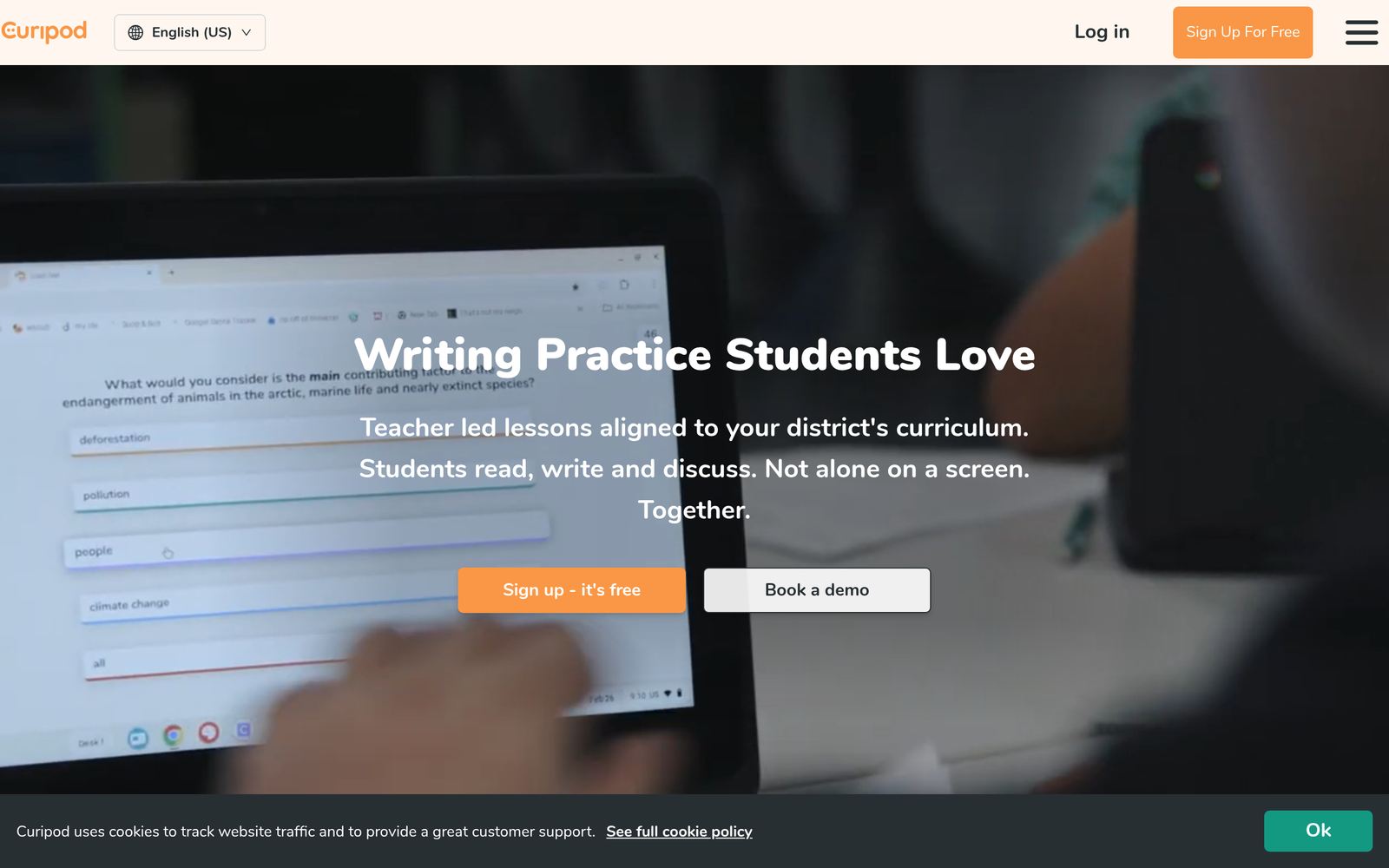
ai lesson planning becomes easier with Curipod. It generates AI-powered interactive slide lessons for teachers, turning standards into engaging activities.

For AI-generated interactive slide lessons

Quick Facts - About Curipod

Category Lesson Planning & Teacher Tools
Pricing Freemium
Platform Web
Main Features AI-generated slides; live polls; word clouds; Q&A; editable templates
Best For K-12 teachers and schools
Language Support English
Integrations Google Classroom, LMS compatibility
Deployment Web-based / SaaS

What is Curipod ?

Curipod is an AI-powered tool for creating interactive slide lessons that adapt to student input. It blends AI-generated content with live participation features so teachers can run dynamic, evidence-based activities in class.

The main problem Curipod solves is the time and effort required to build engaging, student-centered lessons. It helps teachers in K-12 who want real-time feedback, live participation, and scalable lesson creation.

Description

1. Automatic AI-generated slide lessons

  • Automatically converts prompts into ready-to-use slide decks for classrooms.
  • Speeds up planning by turning topics into engaging visuals and activities.

2. Live student responses on slides

  • Students answer polls, draw, or type ideas directly on the slide.
  • Instructors see responses in real time to guide discussion.

3. Built-in polls, word clouds and Q&A

  • Polls, word clouds and Q&A are baked into every slide.
  • Supports quick formative checks and collaborative thinking.

4. Teacher-friendly editing and customization

  • Edit slides in-app without exporting or switching tools.
  • Reuse templates and share with colleagues easily.

5. Easy sharing and collaboration

  • Share lessons with colleagues or across classes.
  • Collaborate on lesson banks and templates.

6. Flexible pricing and free tier

  • Free to use with paid plans for schools and individuals.
  • Plans scale with usage and district needs.
Reviews

There are no reviews yet.

Be the first to review “Curipod – ai lesson planning with slides”

Pricing & Plans Of Curipod

Curipod pricing includes Free, Starter, Pro, Business, Enterprise, and Team plans.

  • Free: $0 – Free basic access with limited usage.
  • Starter: $7.50/mo (billed annually) – Expanded features for individual teachers with more templates and lessons.
  • Pro: Contact for pricing – For schools needing broader licenses and admin controls.
  • Business: Contact for pricing – For multi-campus teams with centralized management.
  • Enterprise: Contact for pricing – Custom deployments and dedicated support.
  • Team: Contact for pricing – For classroom teams collaborating together.

Pro's

  • Live participation features drive student engagement in real time.
  • Automatic generation of slide decks saves planning time.
  • Polls and word clouds provide quick formative feedback.
  • Built-in Q&A keeps discussions focused and inclusive.

Con's

  • Relies on stable internet and device access for all students.
  • Some advanced features are tied to paid plans.
  • Integrations with school LMS can vary by district.

Popular Use Cases of Curipod

  • A 5th-grade science teacher uses Curipod to turn a weather unit into interactive slides with live polls and a weather word cloud to collect vocabulary.
  • A high school biology teacher uses Q&A and drawings to explain cell structures during a lab prep session.
  • An ESL teacher uses live word clouds to surface common vocabulary and practice pronunciation during a lesson.
  • An after-school program uses Curipod for asynchronous practice by sharing interactive slide lessons with students.

Alternatives of Curipod

Tool Best For How It Compares
Mentimeter Live polls and student engagement Mentimeter excels at polls and word clouds; Curipod adds AI-generated slide content and classroom templates for integrated lessons.
Nearpod Structured interactive lessons Nearpod offers curated activities; Curipod combines AI lesson generation with live participation in one flow.
Pear Deck Google Slides-based interactivity Pear Deck focuses on Google Slides interactivity; Curipod adds AI-generated slides and broader engagement tools.

Feedback

Representative user feedback:
“Teachers appreciate how it saves time while keeping students actively involved.”

Representative user feedback:
“Students participate more when polls and Q&A are built into the lesson.”

FAQs related to Curipod

  1. What is Curipod used for?
    Curipod helps teachers create AI-generated interactive slide lessons with live participation features like polls, word clouds, Q&A, and drawings.
  2. Is Curipod free to use?
    Yes, Curipod offers a free plan with paid upgrades for schools and individuals.
  3. Can Curipod integrate with Google Classroom?
    Curipod supports classroom workflows and LMS integrations; check your district setup for specifics.
  4. Can students respond live during a Curipod lesson?
    Yes, students can respond via polls, word clouds, Q&A, and drawings, all on the slide.

Start engaging students with Curipod today

Create your first interactive slide lesson in minutes and invite every student to participate. Start now to capture real-time feedback and boost classroom discussion.

Related Tools