Photomath – Camera Math Solver for Step-by-Step Explanations

Camera math solver Photomath makes it easy to solve math problems by snapping a photo. It delivers step-by-step explanations across topics from arithmetic to calculus, helping you learn and check work.

For Camera math solver with step-by-step explanations

Quick Facts - About Photomath

Category Math & STEM
Pricing Freemium
Platform iOS and Android
Main Features Camera solving with step-by-step explanations, multi-topic math support
Best For Students and self-learners who want quick math help
Language Support Multiple languages
Integrations In-app experience, cloud sync
Deployment Mobile app

What is Photomath ?

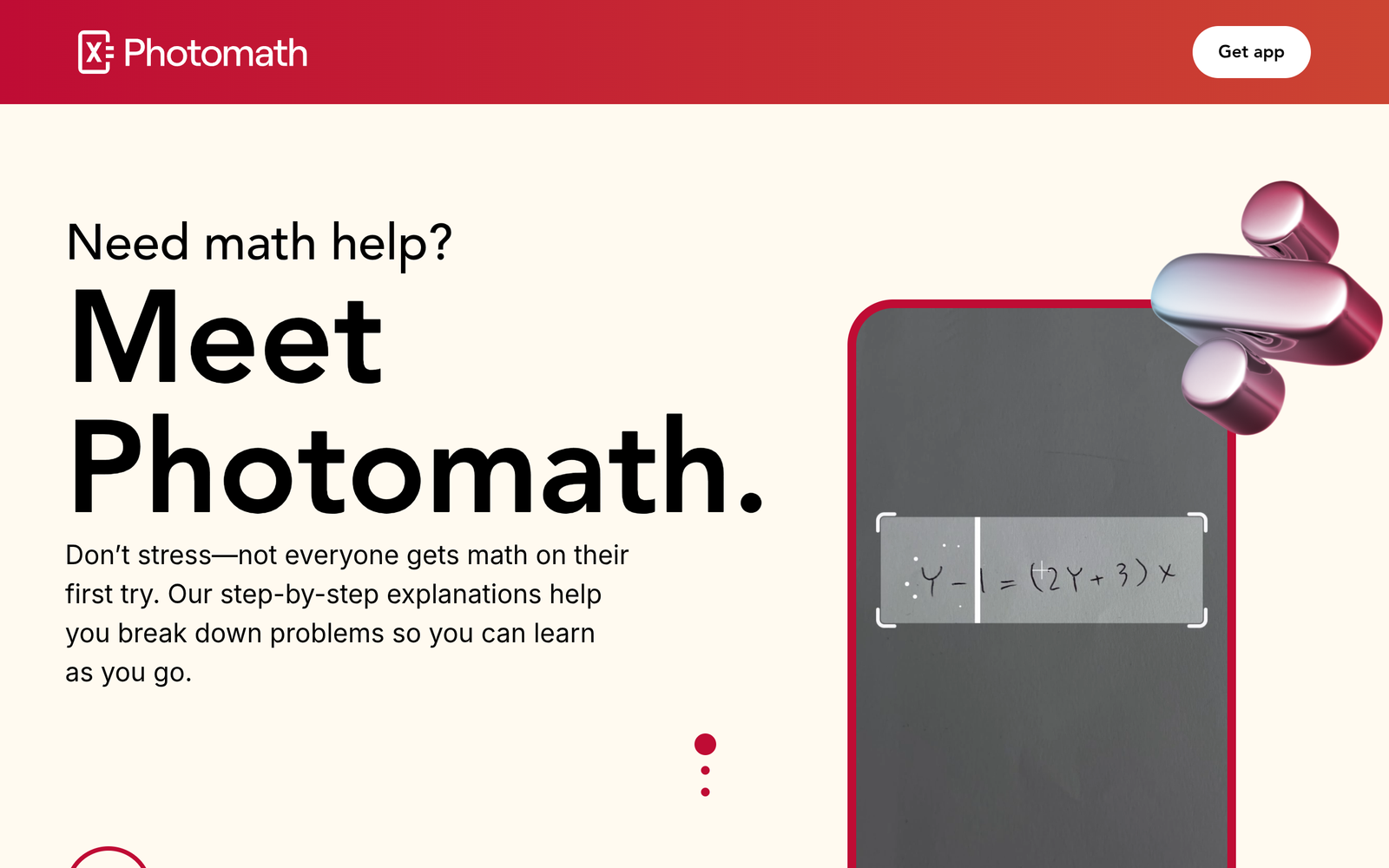
Photomath is an AI-powered math learning and problem-solving tool that lets you solve equations by simply pointing your camera at the problem. It uses computer vision to recognize handwritten or printed math, then generates a step-by-step solution and explanation for each step. Photomath solves the common learning hurdle of not understanding each method. It benefits students, teachers, and self-learners who want quick, reliable explanations to build math intuition.

Description

1. Real-time Camera Input

  • Scan math problems instantly by pointing your device at them.
  • Supports both printed text and handwritten input.

2. Step-by-Step Explanations

  • Shows the method for each step so you understand the solution.
  • Includes intermediate steps for many problem types.

3. Broad Topic Coverage

  • From basic arithmetic through algebra, geometry, and calculus.
  • Supports statistics and word problems where available.

4. Graphing and Visualization

  • Graphs functions when applicable to aid intuition.
  • Visual aids help you see how the solution is formed.

5. History and Review

  • Keep solved problems and revisit steps later.
  • Export or copy explanations for study notes where supported.

6. Cross-Platform Availability

  • Available on iOS and Android with progress sync.
  • Save and continue work across devices.

Reviews

There are no reviews yet.

Be the first to review “Photomath – Camera Math Solver for Step-by-Step Explanations”

Pricing & Plans Of Photomath

Pricing plans include a free tier and Photomath Plus.

  • Free: Free – Basic camera solving with limited explanations.
  • Starter: $9.99/mo – Access to step-by-step explanations and more problems solved.
  • Pro: $69.99/yr – Annual plan with full explanations and unlocks plus features.

Pro's

  • Real-time camera-based problem input makes solving fast.
  • Clear, structured step-by-step explanations across many topics.
  • Free tier provides basic solving without immediate commitment.
  • Works across devices with progress syncing.

Con's

  • Some advanced explanations are gated behind the Plus plan.
  • Quality of steps can depend on input quality and problem type.
  • Requires internet access for certain features or updates.

Popular Use Cases of Photomath

  • A high school student points the camera at a quadratic equation to see the factoring steps.
  • A college student verifies calculus derivatives by photographing practice problems from a textbook.
  • A tutor uses Photomath during a class to demonstrate solving methods on the board via screenshots.
  • A learner reviews previously solved problems in the history to reinforce concepts.

Alternatives of Photomath

Tool Best For How It Compares
Symbolab Detailed step-by-step math solving across many topics Similar step-by-step guidance but not always camera-based input; strong on calculator-like solving
Mathway Quick problem solving across a wide range of math subjects Good for quick answers; less emphasis on learning steps compared to Photomath
Microsoft Math Solver Integration with Microsoft ecosystem and classroom use Solid math solver with handwriting support; strong integration with other MS tools

Feedback

Representative user feedback:
“Users want fast, accurate step-by-step explanations and prefer an ad-free experience.”

Representative user feedback:
“Camera-based solving saves time during study, but some problems lack full explanations yet.”

FAQs related to Photomath

  1. Is Photomath free to use?
    Yes, there is a free tier, and Photomath Plus is a paid upgrade.
  2. What topics does Photomath cover?
    It covers arithmetic, algebra, geometry, calculus, statistics and more, depending on the problem.
  3. Can Photomath work offline?
    Some basic features work offline, but many explanations require an internet connection.
  4. Is Photomath suitable for teachers?
    Yes, it can support class demonstrations and quick problem checks, but it shouldn’t replace instruction.

Start Solving Math Problems Instantly

Grab Photomath now and start solving math problems in seconds. Point your camera at a task to unlock guided steps you can study with. Use it to learn methods faster and check your work as you go.

Related Tools