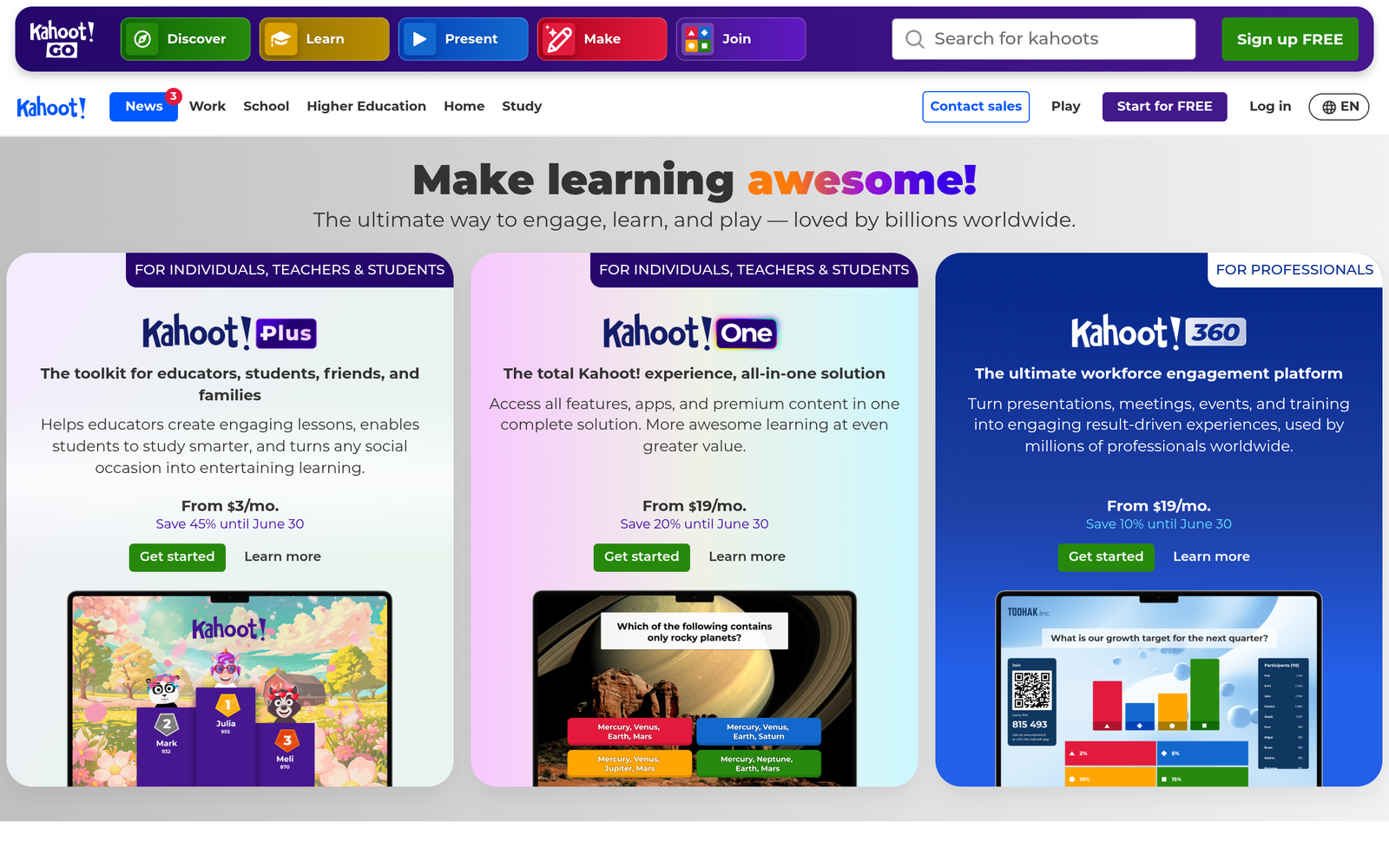
Kahoot! – AI quiz games for classroom engagement

AI quiz games drive classroom engagement by making learning interactive and fun for students. Kahoot! lets teachers generate quizzes from any topic and monitor progress in real time.

For AI quiz games for classroom engagement

Quick Facts - About Kahoot!

Category Assessment & Grading
Pricing Freemium with Paid Plans
Platform Web, iOS, Android
Main Features AI quiz generation, live games, analytics
Best For Classrooms, teachers, schools
Language Support Multiple languages
Integrations LMS and classroom tools
Deployment Cloud-based

What is Kahoot! ?

Kahoot! is an AI-powered platform for AI quiz games that teachers use to engage students and assess understanding across any topic.

The main problem it solves is classroom disengagement and uneven topic mastery; it benefits teachers, students, and schools by providing quick checks, practice, and feedback.

Description

1. AI Generated Quizzes From Any Topic

  • Generates questions and answer choices from a topic prompt in seconds.
  • Supports multiple choice and true/false formats to fit lesson goals.

2. Real-time Engagement Tracking

  • Monitors who participate and how quickly.
  • Uses data to tailor review activities in real time.

3. Classroom Friendly Modes

  • Live quizzes with instant feedback and game-based motivation.
  • Asynchronous quizzes for homework and review.

4. Large Content Library Advantage

  • Access templates and community-created quizzes from 300M+ users.
  • Save time by reusing ready-to-run content across subjects.

5. Cross-Platform Accessibility

  • Works on laptops, tablets, and phones in class.
  • Syncs progress across devices for seamless play.

6. Teacher Controls and Security

  • Teacher dashboard to manage timing, order, and visibility.
  • Data privacy features suitable for schools and districts.
Reviews

There are no reviews yet.

Be the first to review “Kahoot! – AI quiz games for classroom engagement”

Pricing & Plans Of Kahoot!

Pricing starts with a Free tier and adds paid options for teams and schools.

  • Free: Free – Basic access for classrooms and individual teachers.
  • Starter: $5/mo – Expanded templates and analytics for small classes.
  • Pro: $10/mo – Advanced class management and richer reporting.
  • Business: Contact for pricing – Collaboration tools for schools and teams.
  • Enterprise: Contact for pricing – District-wide deployment and admin controls.
  • Team: Varies by usage – Flexible collaboration features for small teams.

Pro's

  • Fast AI-generated quizzes save prep time
  • Real-time participation data helps tailor instruction
  • Fun, game-based format that boosts engagement
  • Large template library from a massive user base
  • Cross-device play for easy class setup

Con's

  • Requires internet access for most features
  • Some advanced tools are locked behind paid plans
  • Question types may be limited in certain accounts

Popular Use Cases of Kahoot!

  • Warm up a math class with a 5-question AI quiz on recent topics
  • Assess vocabulary retention in a language class with a live Kahoot!
  • Provide a quick exit-ticket at the end of a science lesson
  • Assign a review quiz as homework and track progress

Alternatives of Kahoot!

Tool Best For How It Compares
Quizizz Engaging, student-paced quizzes Similar live features but with different templates and pacing options.
Socrative Formative assessment with quick feedback Fewer templates but strong real-time polling and exit tickets.
Nearpod Interactive lessons with polls and simulations Broader lesson delivery beyond quizzes, richer multimedia.

Feedback

Representative user feedback:
“Teachers love fast quiz creation and real-time class insights.”

Representative user feedback:
“Students stay engaged with game-like formats, though occasional connectivity slows sessions.”

FAQs related to Kahoot!

  1. What is Kahoot! primarily used for in classrooms?
    It is a classroom engagement and assessment tool that lets teachers run live quizzes and track understanding.
  2. How does Kahoot! use AI to generate quizzes?
    AI analyzes topics you enter and creates relevant questions and answer options for quick setup.
  3. What are the main pricing options?
    There is a Free tier with paid Pro, Business, and EDU options for enhanced features.
  4. Can Kahoot! be used for asynchronous learning?
    Yes, teachers can assign quizzes for homework and review outside class time.

Start boosting classroom engagement today

Create your first AI generated quiz in minutes and start tracking responses in real time. Try a live game in today's lesson to see student participation rise.

Related Tools