Namecheap Logo Maker – AI Logo Generator for Small Businesses

ai logo maker simplifies logo design for small businesses by generating clean, scalable logos in minutes. It targets budget-conscious brands and complements bundled domain and hosting offerings.

Category
For Simple AI logo generator for small business

Quick Facts - About Namecheap Logo Maker

Category Logo & Brand Identity
Pricing Freemium
Platform Web
Main Features Template library; AI color & font suggestions; Vector exports; Domain/hosting bundle; Simple editor
Best For Small businesses and solopreneurs
Language Support English; multilingual templates
Integrations Namecheap domain and hosting
Deployment Web-based

What is Namecheap Logo Maker ?

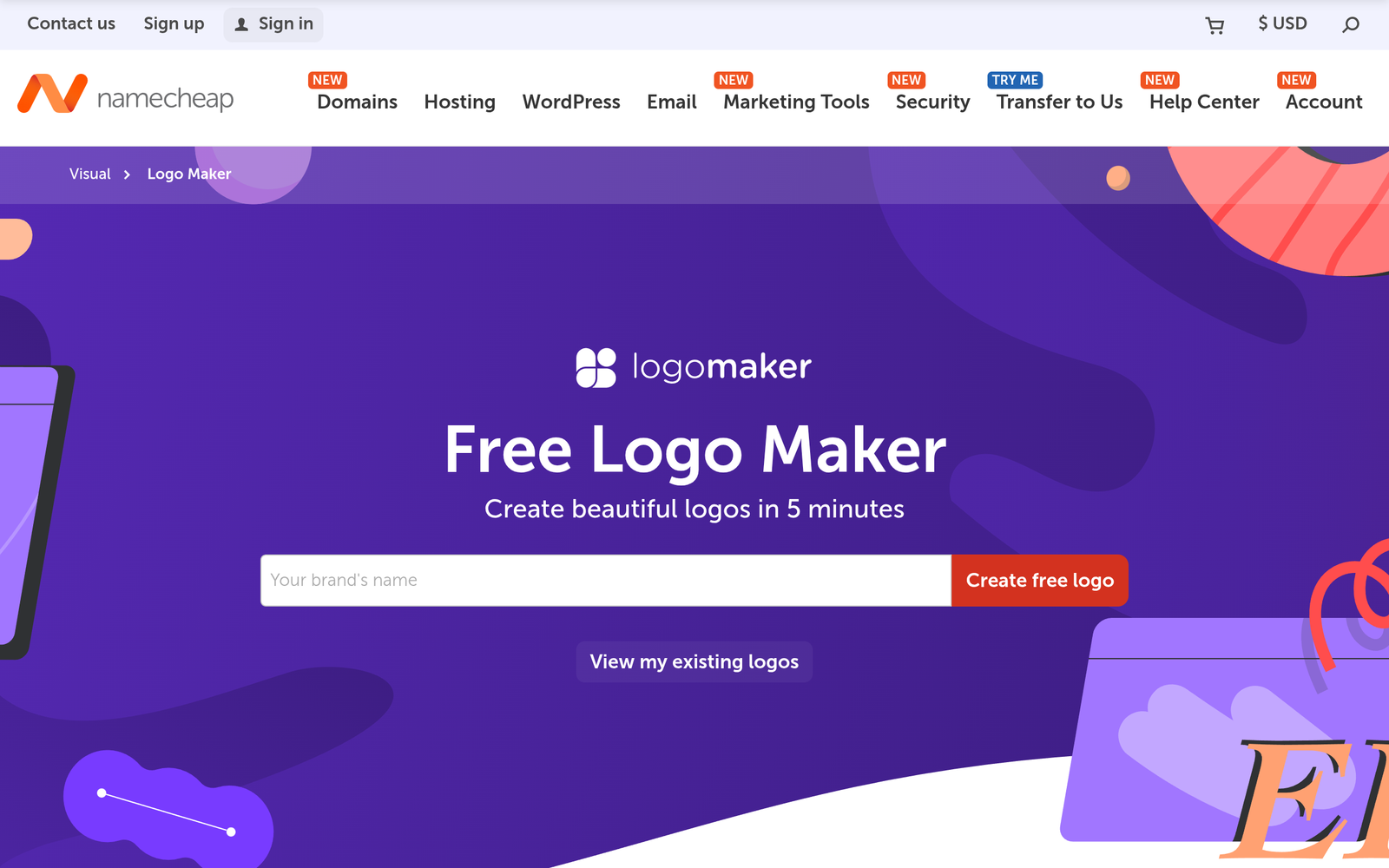
Namecheap Logo Maker is an AI-powered tool that helps you generate logo concepts from a few basic inputs. It uses templates and smart styling to produce ready-to-use logos. | Namecheap Logo Maker solves the branding hurdle by offering quick, affordable logo design for small teams, especially those already using Namecheap’s domain and hosting, helping launch a cohesive brand.

Description

1. Template Library

  • Provides a curated set of logo templates tailored for small businesses.
  • Templates cover various industries and branding styles for quick customization.

2. AI Color and Font Suggestions

  • Automatically suggests color palettes and typography that fit your brand.
  • Allows you to tweak colors and fonts with a few clicks to match your identity.

3. Vector Exports

  • Exports logos as SVG and high-resolution PNG for print and digital use.
  • Keeps scalable quality without pixelation at any size.

4. Integrated Branding with Domain Options

  • Seamlessly pairs your logo with Namecheap domain and hosting options.
  • Speeds up launching a brand-ready online presence.

5. Budget-Friendly Pro Upgrade

  • One-time Pro upgrade unlocks full templates and advanced exports.
  • Reasonably priced for small teams needing quick branding.

6. Simple Editor

  • Intuitive editor to modify colors, shapes, and layout in real-time.
  • Live preview helps you see changes instantly.
Reviews

There are no reviews yet.

Be the first to review “Namecheap Logo Maker – AI Logo Generator for Small Businesses”

Pricing & Plans Of Namecheap Logo Maker

Pricing is tiered with a free option and a paid Pro plan. Plans:

  • Free: Free – Limited templates and basic exports.
  • Starter: Contact for pricing – Access to more templates and higher-resolution exports.
  • Pro: $25 one-time – Full template library, SVG exports, and branding kit.
  • Business: Contact for pricing – Team collaboration and priority support.
  • Enterprise: Contact for pricing – Scales for agencies with enterprise-level features.
  • Team: Contact for pricing – Shared projects and permission controls for small teams.

Pro's

  • Fast logo ideas that fit small business budgets.
  • One-time Pro upgrade unlocks full templates and exports.
  • Seamless branding with Namecheap domain and hosting options.
  • Simple editor with real-time previews.

Con's

  • Limited advanced customization compared to a dedicated designer.
  • Export options may require Pro for vector formats and branding kits.

Popular Use Cases of Namecheap Logo Maker

  • Retail shop launching a new logo before a storefront opening.
  • Freelancer creating a personal brand and matching domain.
  • Small startup needing a cohesive logo and domain bundle for a landing page.
  • Event organizer designing signage and social graphics quickly.

Alternatives of Namecheap Logo Maker

Tool Best For How It Compares
Looka Professional branding kits Offers comprehensive brand suites but is more expensive than Namecheap’s bundled approach.
Canva Logo Maker Broad design templates and ease of use Great for quick mockups; offers broader design tools but fewer domain/hosting integrations.
Hatchful Entrepreneurs seeking quick logos Simple and fast but fewer customization options than Namecheap’s tool and others.

Feedback

Representative user feedback:
“Easy to generate quick logos for small businesses with affordable options.”

Representative user feedback:
“Templates feel limited; need more customization and better export options.”

FAQs related to Namecheap Logo Maker

  1. Is Namecheap Logo Maker free to use?
    Yes, it uses a freemium model with a free tier and paid features.
  2. Can I export vector files?
    Yes, Pro unlocks vector exports like SVG for final branding.
  3. Can I customize colors and fonts?
    Yes, you can adjust colors and typography in the editor.
  4. Is the logo suitable for commercial use?
    Logos created with the tool can be used for commercial purposes according to the terms.

Create your brand logo today

Start now to generate a logo that matches your brand and pair it with a domain and hosting plan. You’ll see how cohesive visuals can boost your online presence and marketing efforts.

Related Tools