Stark – AI Accessibility Checker for Design (WCAG)

ai accessibility checker Stark helps designers verify WCAG conformance in UI projects. It analyzes contrast and simulates color blindness, embedding accessibility checks in Figma and Sketch.

Category
For AI accessibility checker for design (WCAG)

Quick Facts - About Stark

Category UI/UX Design & Prototyping
Pricing Freemium
Platform Web, Figma plugin, Sketch plugin
Main Features WCAG Contrast Analysis, Color-blind Simulation, Figma/Sketch plugins, Inline Warnings, Export Reports
Best For UI designers, accessibility teams
Language Support English
Integrations Figma, Sketch, Web app
Deployment Cloud-based

What is Stark ?

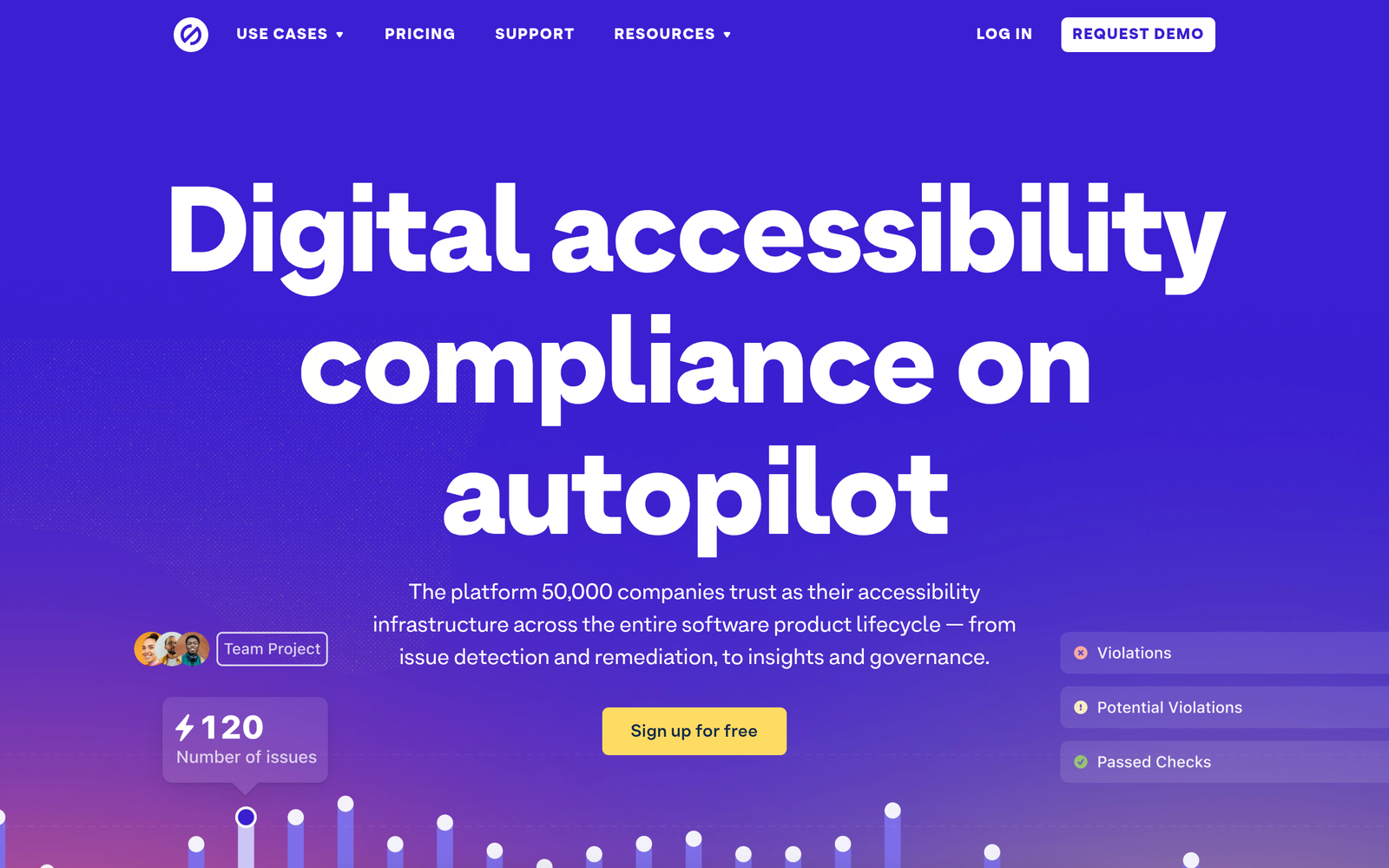
Stark is an AI-powered accessibility checker built to stay in your design toolbox. It scans UI components for contrast, color usage, and semantic cues, flagging issues directly in your design canvas.

Stark helps design teams deliver WCAG-compliant interfaces by surfacing accessibility issues early, so developers know what to fix.

Description

1. WCAG Contrast Analysis

  • Automatically checks text and UI contrast against WCAG standards.
  • Works across foreground/background combinations and color palettes.

2. Color-blind Simulation

  • Preview how designs appear to users with common color vision deficiencies.
  • Guides color palette adjustments to improve readability.

3. Figma/Sketch Plugin Support

  • Installable plugins keep accessibility checks in your main design workflow.
  • Real-time feedback inside design canvases.

4. Inline Accessibility Warnings

  • In-editor alerts highlight issues as you work.
  • Color-coded indicators and actionable tips for fixes.

5. Audit Reports and Handoff

  • Generate exportable accessibility reports for teams.
  • Accessible notes for developers during handoff.

6. Versioned Audits & Collaboration

  • Keeps a history of checks and changes for audit trails.
  • Supports team reviews with comments and task assignments.
Reviews

There are no reviews yet.

Be the first to review “Stark – AI Accessibility Checker for Design (WCAG)”

Pricing & Plans Of Stark

Pricing is Freemium with paid plans for teams.

  • Free: Free – Basic accessibility checks with limits on projects and audits.
  • Starter: Varies by usage – Access to core features with moderate project limits.
  • Pro: $30/mo – Full features for small teams with collaborative tools.
  • Team: $60/mo – Advanced collaboration, priority support, and larger project limits.
  • Business: Contact for pricing – For growing teams needing governance and scale.
  • Enterprise: Contact for pricing – Enterprise-grade controls and SLAs.

Pro's

  • Accurate WCAG checks integrated into design workflows.
  • Supports Figma and Sketch plugins for in-context feedback.
  • Clear color contrast recommendations with color-blind simulations.
  • Exportable reports for handoff to developers and stakeholders.

Con's

  • Design-focused checks may miss runtime accessibility issues in production.
  • Pricing requires paid tiers for full collaboration features.
  • Plugin performance depends on design tool version and platform.

Popular Use Cases of Stark

  • Designer reviews a new color palette in Figma to ensure WCAG contrast before sharing with stakeholders.
  • Team runs an accessibility audit on a mobile UI prototype in Sketch and exports a report for developers.
  • Product managers compare two design options for accessibility compliance during a design review.
  • Design reviewers leave comments with accessibility tasks directly in the design tool for follow-up.

Alternatives of Stark

Tool Best For How It Compares
Axe Code-level accessibility checks for developers Focuses on runtime code, not exclusively on design stage.
WAVE Page-level accessibility evaluation Visual overlays in browsers; lacks deep design tool integration.
Color Contrast Analyzer Quick color contrast testing Standalone app, not embedded in design workflows.

Feedback

Representative user feedback:
“Users want seamless in-design accessibility checks that fit their workflow.”

Representative user feedback:
“Clear color guidance helps teams choose accessible palettes faster.”

FAQs related to Stark

  1. What is Stark best for?
    Best for UI/UX designers and design teams focusing on WCAG conformance during the design phase.
  2. Does Stark work in Figma and Sketch?
    Yes, it offers plugins for both Figma and Sketch to provide real-time accessibility feedback.
  3. Is Stark free to use?
    Stark offers a freemium model with paid plans for more features and team collaboration.
  4. Can Stark generate accessibility reports?
    Yes, you can export audit reports for stakeholders and developers.

Improve Accessibility in Your Designs Now

Try Stark today to validate WCAG in your latest screens. See immediate feedback on contrast and color usage and share accessible notes with your team.

Related Tools