Beautiful.ai – Smart-template AI presentation design

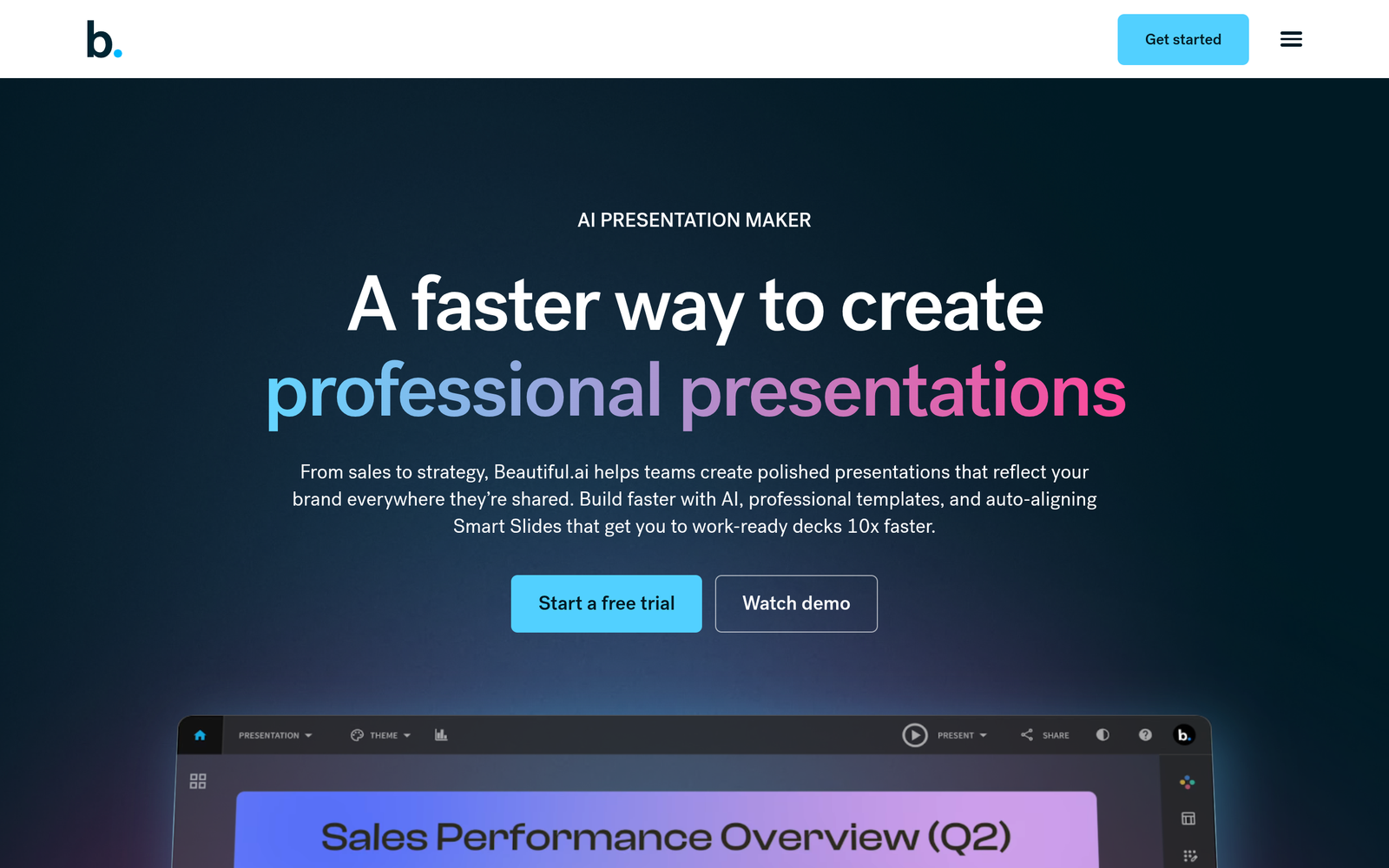
Smart-template AI presentation design speeds up slide creation with context-aware layouts. Beautiful.ai helps teams craft cohesive decks that adapt as content changes.

Category
For Smart-template AI presentation design

Quick Facts - About Beautiful.ai

Category Presentation Design
Pricing Freemium
Platform Web
Main Features Smart templates, context-aware layouts, auto-reflow
Best For Teams and professionals creating decks
Language Support English
Integrations Varies by plan
Deployment Web-based

What is Beautiful.ai ?

Beautiful.ai is an AI-powered presentation design tool that automatically creates visually consistent slides from your content and suggests layout options.

The main problem it solves is the time and effort required to design polished decks, especially for teams that publish frequent presentations.

Description

1. Context-aware layout adjustments

  • Automatically rearranges slides and elements as you add content to keep balance and hierarchy.
  • Maintains consistent typography, color, and spacing across the deck.

2. Auto-reflowing templates

  • Smart templates adapt to content length and media without manual tweaks.
  • Fonts, colors, and alignments stay coordinated across slides.

3. Smart templates

  • Pre-built templates that auto-suggest designs based on your text and media.
  • One-click updates update the entire deck to match changes.

4. Real-time collaboration

  • Team members can view and comment on slides in real time.
  • Change tracking helps maintain brand consistency during collaboration.

5. Brand kit and consistency

  • Enforce brand colors and typography across all slides.
  • Reapply styles across a project with a single action.

6. Export and sharing options

  • Export to PowerPoint, PDF, or shareable links for colleagues.
  • Preserves layout and typography when exported.

Reviews

There are no reviews yet.

Be the first to review “Beautiful.ai – Smart-template AI presentation design”

Pricing & Plans Of Beautiful.ai

Pricing adapts across Free and paid Pro and Team levels.

  • Free: Free – Basic templates with limited features.
  • Starter: Contact for pricing – Entry-level with more templates and export options.
  • Pro: Contact for pricing – Advanced templates and collaboration features.
  • Business: Contact for pricing – Scale with brand control and team-wide access.
  • Team: Contact for pricing – For larger teams needing shared libraries and governance.
  • Enterprise: Contact for pricing – Custom contract and security options.

Pro's

  • Drives consistent slide design with automated layouts.
  • Lets teams work faster with smart templates and auto-reflow.
  • Brand kit enforcement keeps decks on-brand across projects.
  • Easy export options preserve visuals for sharing.

Con's

  • Advanced features require paid plans.
  • Some users want deeper data visualization options.
  • Limited offline functionality.

Popular Use Cases of Beautiful.ai

  • Marketing team builds quarterly investor decks with consistent branding.
  • Sales reps create and update product one-pagers before meetings.
  • Product managers design roadmap slides that auto-adjust with content changes.
  • Educators prepare class presentations with responsive layouts for devices.

Alternatives of Beautiful.ai

Tool Best For How It Compares
Canva Easy, brand-ready templates Broader design toolbox, AI features less slide-specific than dedicated tools
Visme Data-rich presentations Strong visuals and data viz; AI features more limited
Google Slides Best for collaboration Free and integrates with Google ecosystem; lacks advanced AI design

Feedback

Representative user feedback:
“Fast, clean decks are the norm, but advanced visuals feel limited.”

Representative user feedback:
“Context-aware layouts save time, yet some teams want deeper branding control.”

FAQs related to Beautiful.ai

  1. What is Beautiful.ai best used for?
    It helps you create polished, brand-consistent slides quickly using smart templates.
  2. Does Beautiful.ai support real-time collaboration?
    Yes, teams can work together in the browser with comments and sharing.
  3. Can I export to PowerPoint or PDF?
    Exports are available to PowerPoint, PDF, and shareable links.
  4. What pricing plans exist?
    It uses a Freemium model with paid plans like Pro and Team; pricing varies by usage.

Create polished decks with AI today

Start building professional decks in minutes with smart templates and auto layouts. Try Beautiful.ai today and see how your slides stay clean, on-brand, and responsive as you add content.

Related Tools