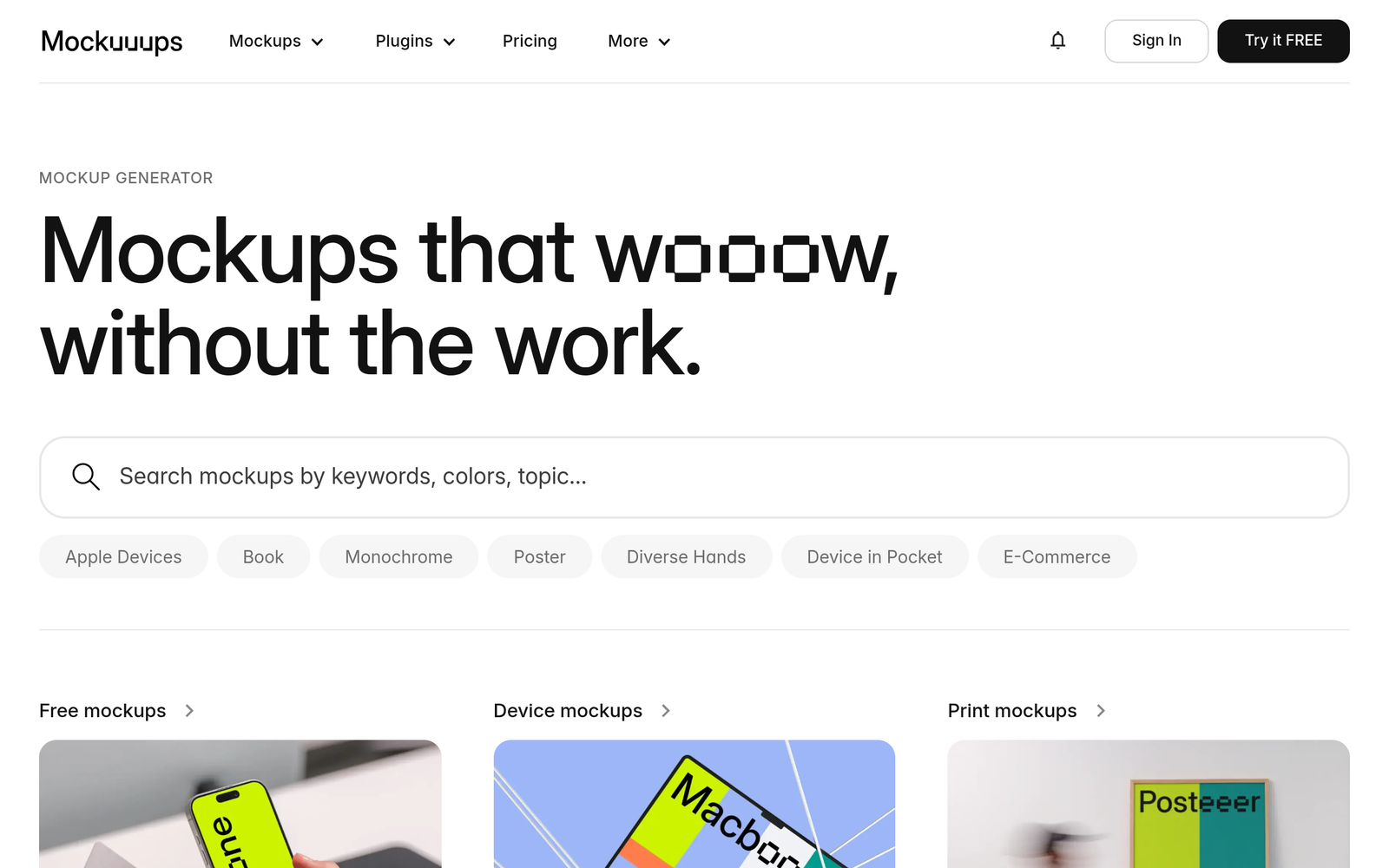
Mockuuups Studio – AI mockup generator for device scenes and product visuals

ai mockup generator Mockuuups Studio helps designers create device and product mockups fast, tailoring AI-driven scenes for marketing visuals. It targets product teams and freelancers who need quick, realistic previews for launches and campaigns.

Category
For AI-enhanced device & product mockup generator

Quick Facts - About Mockuuups Studio

Category Mockup & Wireframing
Pricing Freemium
Platform Web
Main Features 4,000+ mockup scenes; AI scene customization; Real-time previews
Best For Design teams and freelancers creating marketing visuals
Language Support English
Integrations Asset imports, cloud storage
Deployment Web-based

What is Mockuuups Studio ?

Mockuuups Studio is an AI-powered mockup platform that helps you generate device and product visuals by combining 4,000+ scenes with AI-driven customization.

It solves the hassle of sourcing suitable device frames and composing scenes by offering a vast library and AI tweaks, so product teams, designers, and marketing agencies can produce polished visuals faster.

Description

1. 4,000+ mockup scenes

  • Access a vast library of device frames, angles, and contexts.
  • Includes multiple orientations and presentation modes.

2. AI scene customization

  • AI automatically adapts scenes to fit your content and aspect ratios.
  • Save presets for reuse across projects.

3. Real-time previews

  • Instant visual feedback as you adjust layouts.
  • Export options for web, print, and social.

4. Collaboration features

  • Team sharing and commenting on mockups.
  • Multi-user access with role-based permissions.

5. Export & formats

  • Export PNG, JPG, and vector exports for logos or screens.
  • Resolution controls for high-DPI needs.

6. Integration readiness

  • Imports from design tools or assets; supports common workflows.
  • Cloud-based storage and backup options.
Reviews

There are no reviews yet.

Be the first to review “Mockuuups Studio – AI mockup generator for device scenes and product visuals”

Pricing & Plans Of Mockuuups Studio

Pricing plans are structured as Freemium with tiered options.

  • Free: Free – Basic access with limited scenes.
  • Starter: Contact for pricing – Core features with moderate scene limits.
  • Pro: $20/mo – Full access to 4,000+ scenes and AI customization.
  • Business: Contact for pricing – Team collaboration features.
  • Enterprise: Contact for pricing – Advanced admin controls.
  • Team: $49/mo – Multi-seat licenses and full features.

Pro's

  • 4,000+ mockup scenes provide broad options for devices and contexts
  • AI scene customization reduces manual tweaking and speeds up workflows
  • Real-time previews and flexible export options save time on reviews
  • Team collaboration with multi-user access streamlines approvals

Con's

  • AI results may require manual tweaking for complex designs
  • Some advanced features are limited to higher plans
  • Web-based tool requires an internet connection

Popular Use Cases of Mockuuups Studio

  • Design a launch page hero with a phone and tablet in different angles for a new app
  • Create client-ready product mockups for a pitch deck
  • Generate device framing visuals for an e-commerce product page
  • Produce social media teaser visuals showing app screens in context

Alternatives of Mockuuups Studio

Tool Best For How It Compares
Placeit Quick marketing mockups Massive library; less AI scene customization
Smartmockups Fast device mockups Strong visuals, fewer AI features
Figma UI design to mockups Great collaboration; lacks built-in 4,000+ scenes and AI scene customization

Feedback

Representative user feedback:
“Love the vast mockup library, but pricing and AI tweaks could be clearer.”

Representative user feedback:
“Great for fast prototypes, but integration with other tools could be smoother.”

FAQs related to Mockuuups Studio

  1. What is Mockuuups Studio used for?
    It creates device and product mockups for marketing, pitching, and product design.
  2. What formats can I export?
    Export PNG, JPG, and vector formats with various resolutions.
  3. Is there a free plan?
    Yes, it’s Freemium with basic features; paid plans add AI customization and more scenes.
  4. Can teams collaborate in Mockuuups Studio?
    Yes, Team and higher plans support collaboration with multi-user access.

Start Capturing Device Mockups Today

Try Mockuuups Studio now to generate ready-to-share device mockups in minutes. You’ll see AI-driven scene options tailored to your project and export-ready images for pitches, websites, and social media.

Related Tools