Kaedim – AI 2D-to-3D model converter for games

ai 2d to 3d converter Kaedim speeds up asset creation for game developers. It turns 2D sketches and images into game-ready 3D models, cutting prototyping time.

Category
For AI 2D-to-3D model converter

Quick Facts - About Kaedim

Category 3D & Motion Design
Pricing Premium
Platform Cloud-based
Main Features 2D to 3D conversion; game-ready optimization; style control; export options; batch processing
Best For Game developers, 3D artists, studios
Language Support English
Integrations Unity, Unreal Engine, Blender workflows
Deployment Cloud-based production pipeline

What is Kaedim ?

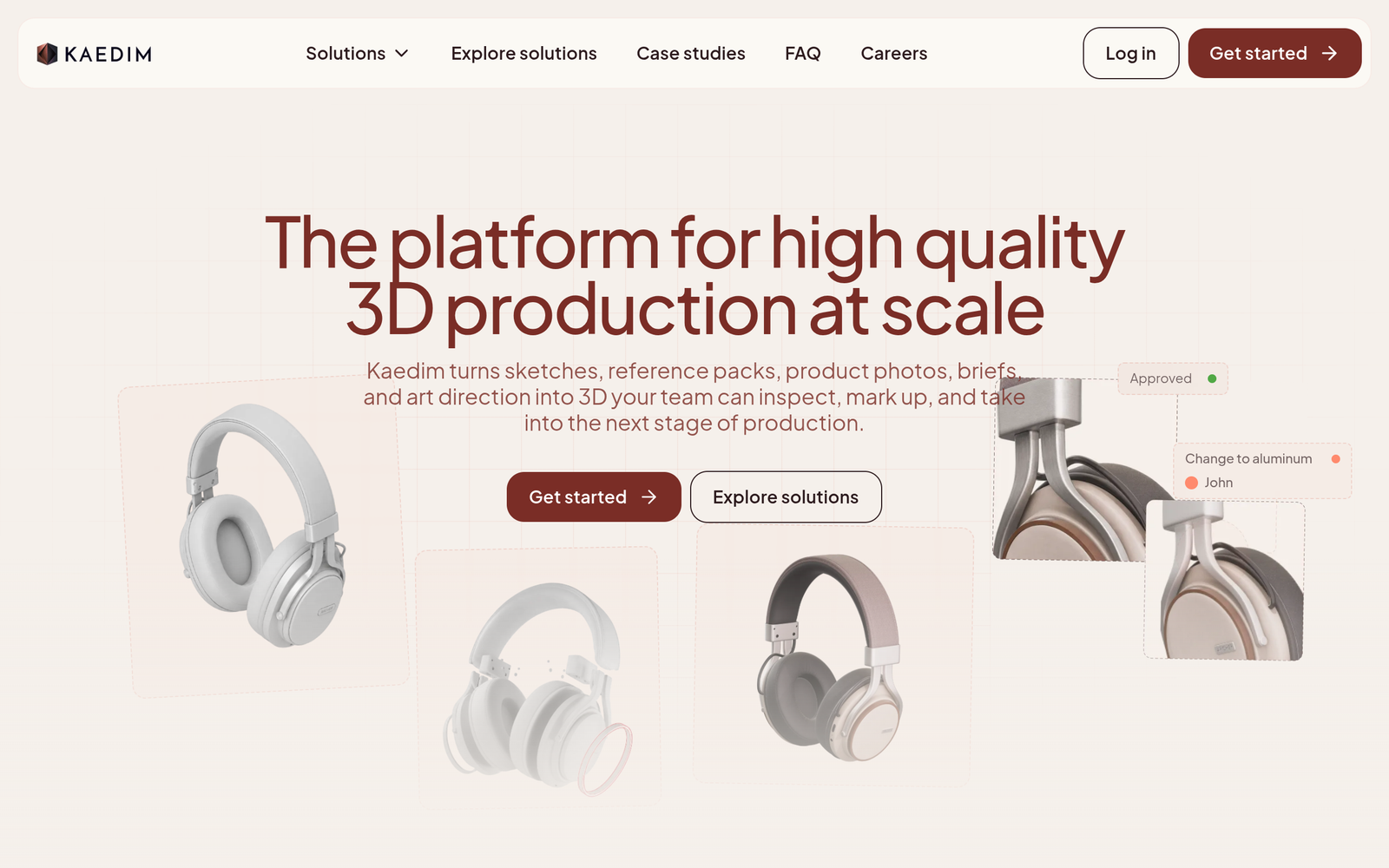
Kaedim is an AI-powered platform that converts 2D sketches or images into production-ready 3D game models.

By turning flat input into usable 3D geometry, it helps developers ship assets faster and reduce the time spent on manual modeling.

Description

1. 2D-to-3D Conversion

  • Converts 2D sketches or images into a usable 3D mesh.
  • Outputs ready for game engines with consistent topology.

2. Game-ready Optimization

  • Automatically optimizes geometry for performance in major game engines.
  • Offers level-of-detail controls to balance quality and performance.

3. Style and Detail Control

  • Adjusts detail level and stylistic direction to match your art style.
  • Preserves essential silhouettes while simplifying mesh complexity.

4. Output Formats and Batch Exports

  • Exports common formats such as OBJ, FBX, and GLB for pipelines.
  • Supports batch processing to generate multiple assets in one run.

5. Preview and Iteration

  • Offers quick previews to verify shape and scale before export.
  • Enables fast iteration on geometry and pose from 2D references.

6. Collaboration and Team Access

  • Supports project-based collaboration with role-based access on higher plans.
  • Keeps assets organized with notes and versioning for teams.

Reviews

There are no reviews yet.

Be the first to review “Kaedim – AI 2D-to-3D model converter for games”

Pricing & Plans Of Kaedim

Pricing is premium with two official plans.

  • Pro: $50/mo – Access core 2D-to-3D conversion and production-ready outputs.
  • Studio: Contact for pricing – Enterprise-grade features, batch processing, and team collaboration.

Pro's

  • Speeds up asset creation by turning 2D input into production-ready 3D models.
  • Delivers game-ready geometry optimized for real-time engines.
  • Offers adjustable detail levels to fit target platforms.
  • Supports exporting to common formats for Unity, Unreal, and Blender workflows.
  • Enables batch processing and collaborative teamwork on larger projects.

Con's

  • Output quality can vary with complex references and textures.
  • May require manual cleanup for precise mechanical parts or UV mapping.
  • Premium pricing means no free trial option for quick testing.

Popular Use Cases of Kaedim

  • Rapidly convert a 2D character sketch into a usable game-ready 3D model for a prototype.
  • Generate multiple environment props from 2D art to populate a scene quickly.
  • Create baseline assets for a new game level to iterate visuals quickly.
  • Produce consistent 3D assets for a studio’s art style guide across teams.

Alternatives of Kaedim

Tool Best For How It Compares
Meshy Production-ready 3D from images/text Strong image-to-3D pipeline with bulk generation; Kaedim focuses on 2D-to-3D conversion for game-ready assets.
Tripo AI Single-image or multi-view 3D from 2D/text Offers fast image-to-3D with export options; Kaedim emphasizes game-ready, fast generation from 2D references.
Scenario One-click image-to-3D to production assets Provides integrated 3D asset workflows with a viewer; Kaedim targets 2D-to-3D conversion for game-ready assets.

Feedback

Representative user feedback:
“Fast 2D to 3D results save hours, but outputs may require cleanup for complex shapes.”

Representative user feedback:
“Great for quick prototypes; consistency across assets improves with prompts and guidance.”

FAQs related to Kaedim

  1. What file formats can Kaedim export?
    Kaedim exports common 3D formats such as OBJ, FBX, and GLB for game pipelines.
  2. Does Kaedim offer a free trial or free plan?
    No. Kaedim is Premium with no free trial; pricing is provided on request.
  3. Can Kaedim process multiple assets at once?
    Yes, higher plans support batch processing and bulk exports.
  4. What factors influence turnaround time?
    Turnaround varies with input quality, desired detail level, and export settings; most users see results within minutes.

Start Generating Game-Ready 3D Assets Now

Turn 2D sketches into ready-to-use 3D assets today and drop them into your game pipeline. You will save time, reduce manual modeling, and iterate faster with Kaedim.

Related Tools