Vectary – ai 3d design tool with AR configurator

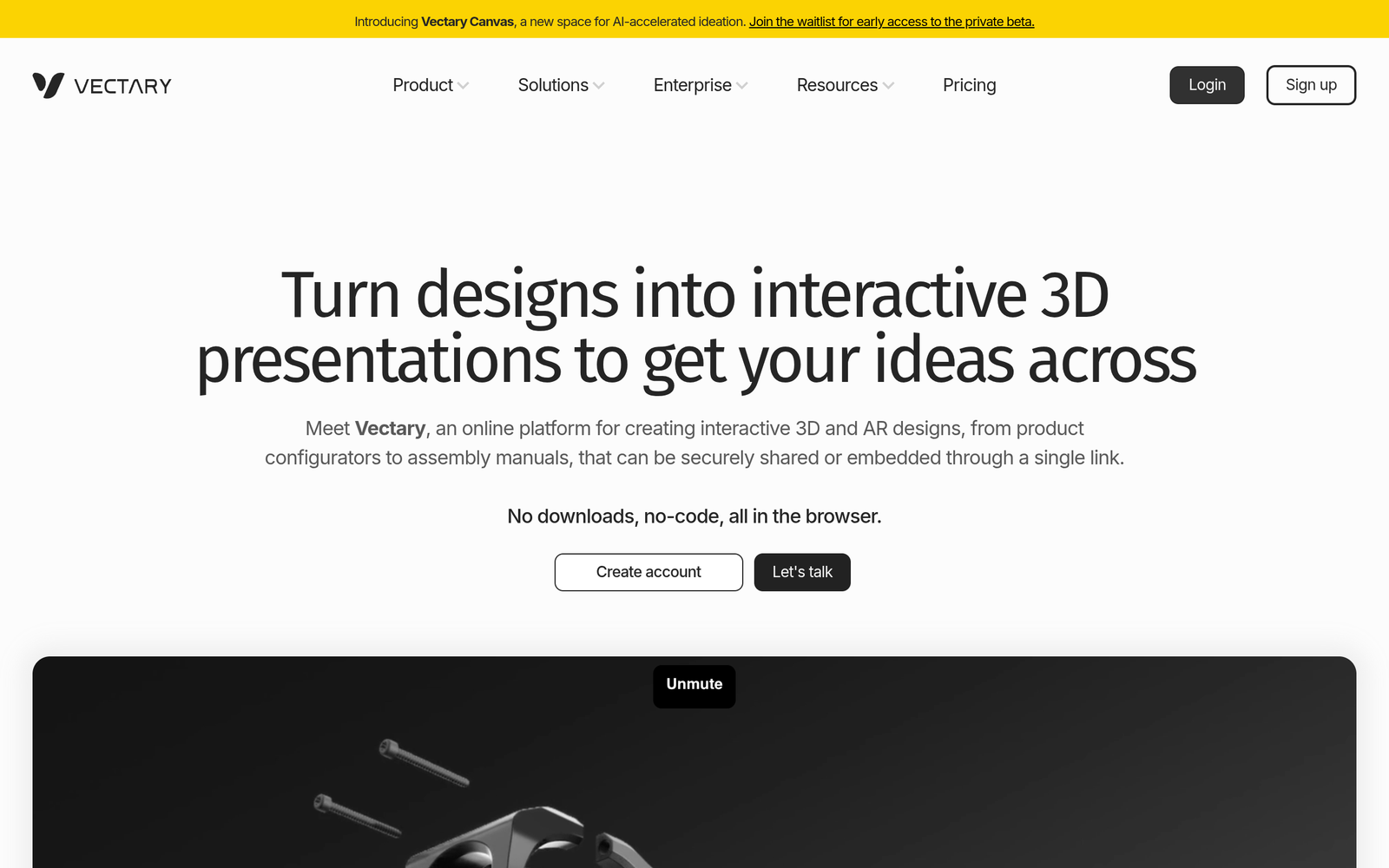
ai 3d design tool Vectary helps teams create browser-based 3D models with AI-assisted features and an AR product configurator. It is built for designers, marketers, and retailers who need fast, interactive visuals that work in the browser.

Category
For AI-assisted 3D design & AR product configurator

Quick Facts - About Vectary

Category 3D & Motion Design
Pricing Freemium
Platform Browser
Main Features AI-assisted design, AR configurator, browser-based modeling
Best For Product designers, marketers, retailers
Language Support English
Integrations Export options and web integrations
Deployment Web app

What is Vectary ?

Vectary is an AI-powered browser-based 3D design platform that runs directly in your web browser and supports real-time collaboration.

It combines AI-assisted modeling tools with an integrated AR product configurator to speed up design and presentation tasks.

Description

1. Browser-based 3D modeling

  • Access powerful design tools directly in your browser without installing software.
  • Works across devices for seamless teamwork.

2. AI-assisted design tools

  • AI helpers accelerate repetitive tasks like sizing and constraints.
  • Offers smart suggestions to speed up iterations.

3. AR product configurator

  • Preview products in real environments to inform decisions.
  • Share interactive AR views with teammates or customers.

4. Collaborative workflows

  • Real-time co-editing and commenting for teams.
  • Versioning and workspace management to track changes.

5. Real-time rendering & previews

  • Instant previews you can adjust on the fly.
  • Supports photoreal textures and lighting previews.

6. Asset export & integrations

  • Export in common formats for web or CAD tools.
  • Integrates with major marketing and e-commerce platforms.
Reviews

There are no reviews yet.

Be the first to review “Vectary – ai 3d design tool with AR configurator”

Pricing & Plans Of Vectary

Pricing plans are Freemium with Pro and Team tiers.

  • Free: $0 – Core features with usage limits.
  • Pro: $25/mo – Advanced tools and higher export limits.
  • Team: $65/mo – Collaboration and workspace features for teams.

Pro's

  • Runs in your browser, no heavy installs required.
  • AR configurator lets you preview products in real environments.
  • AI-assisted tools speed up modeling and iteration.
  • Real-time collaboration supports team workflows.
  • Flexible export options for web and marketing.

Con's

  • Free tier has feature and export limits.
  • Rendering and heavy scenes may strain browser performance.
  • AR features depend on hardware compatibility and browser support.

Popular Use Cases of Vectary

  • A consumer electronics brand sketches a new smart speaker in Vectary and previews color variants via AR to showcase to buyers.
  • An online furniture store builds interactive 3D models for product pages and uses AR previews for shoppers.
  • A marketing team prototypes packaging and billboard-ready visuals using browser-based rendering.
  • A product designer collaborates with teammates in real time to iterate a 3D model and export assets for production.

Alternatives of Vectary

Tool Best For How It Compares
Clara.io Online 3D modeling and rendering Cloud-based editor with many formats, but UX is less modern than Vectary.
Sketchfab 3D model viewing and AR previews Excellent asset publishing and AR previews; heavier modeling tasks are out of scope.
SelfCAD All-in-one online 3D CAD Strong browser toolset with printing/export options; AR tools are less prominent.

Feedback

Representative user feedback:
“Browser-based 3D design saves time, but rendering can be slow on weaker devices.”

Representative user feedback:
“AR previews are valuable for pitches, though some features feel limited at times.”

FAQs related to Vectary

  1. What is Vectary?
    Vectary is a browser-based 3D design platform with AI-assisted tools and an AR configurator that runs in the web.
  2. Can I use AR configurators in Vectary?
    Yes, you can create and preview product configurations in augmented reality.
  3. Which devices support Vectary?
    Supported on modern desktops and mobile browsers with WebGL.
  4. What are the pricing options?
    Freemium access with Pro and Team plans; exact pricing is available on the plan page.

Start building in 3D today

Try Vectary now to create interactive 3D models and AR product views directly in your browser. See how AR previews can boost customer engagement and speed up decision-making.

Related Tools