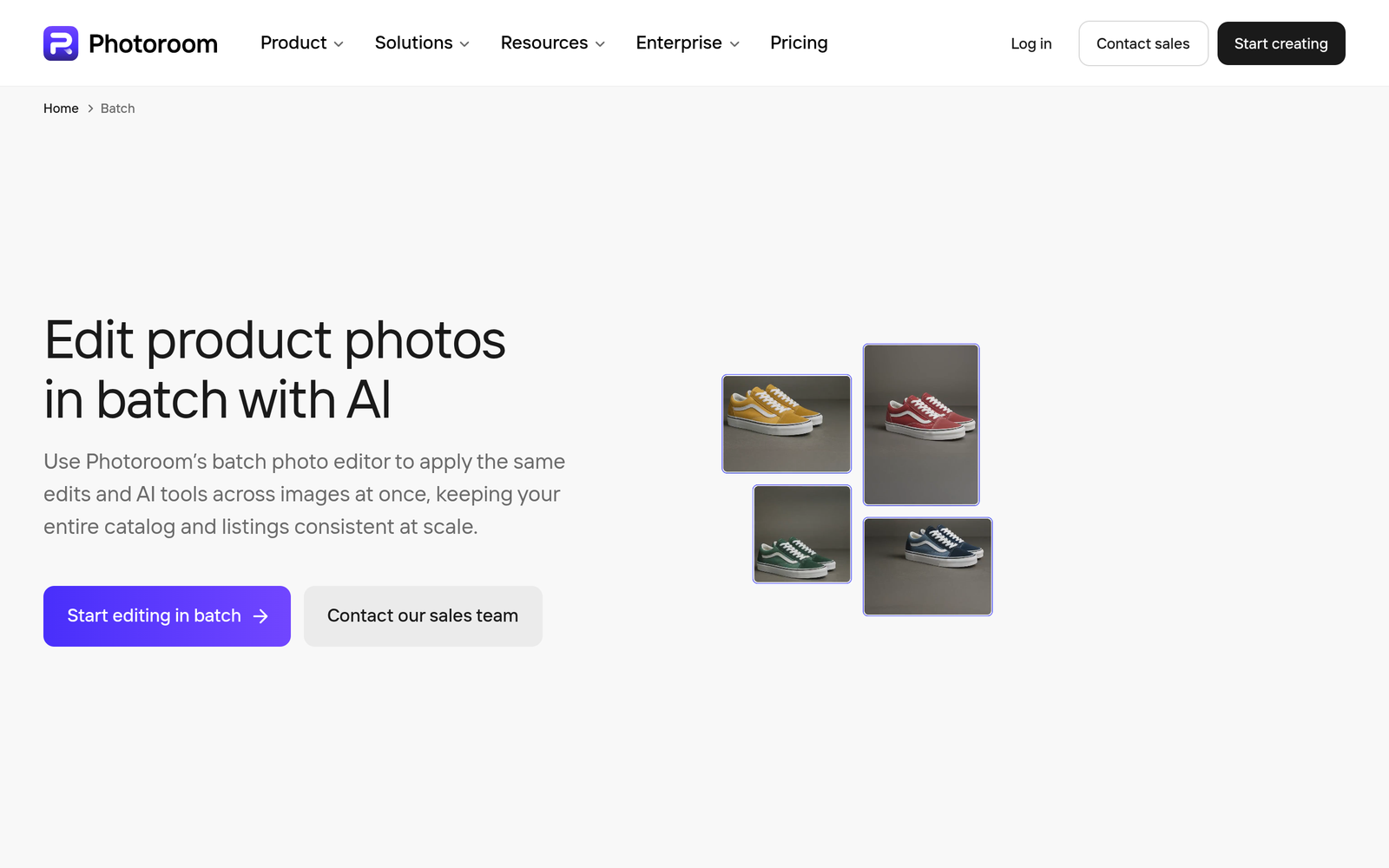
PhotoRoom Batch AI – Bulk product photo editing at scale

bulk product photo editing at scale becomes practical with PhotoRoom Batch AI. It automates batch edits for ecommerce catalogs, saving time and delivering consistent product visuals across thousands of images.

Category
For AI batch product photo editing at scale

Quick Facts - About PhotoRoom Batch AI

Category Graphic Design & Editing
Pricing Premium
Platform Web/SaaS
Main Features AI batch processing, bulk edits, background removal, export presets
Best For Retailers, brands, marketplace sellers
Language Support English
Integrations Exports to common formats; API/workflow support varies
Deployment Cloud-based

What is PhotoRoom Batch AI ?

PhotoRoom Batch AI is an AI-powered batch photo editing tool that processes thousands of product images at once, automating background removal, retouching, and format upgrades.
It solves the problem of manual, time-consuming photo prep for ecommerce catalogs, benefiting retailers, brands, and marketplaces that need consistent visuals at scale.

Description

1. AI Batch Processing Engine

  • Automatically processes thousands of photos in a single job.
  • Reduces manual steps by applying edits across all images.

2. Smart Background Removal & Color Consistency

  • Removes backgrounds at scale while preserving product edges.
  • Maintains color accuracy across batches for consistent catalogs.

3. Bulk Retouching & Consistent Style

  • One-click presets ensure a uniform look across all product shots.
  • Fine-tune exposures and shadows across the batch automatically.

4. Multi-Format Export & Quality Control

  • Exports JPEG, PNG, WEBP and optimized web formats.
  • Preview and verify edits before export to reduce re-edits.

5. Workflows & Scheduling for Teams

  • Queue batches, schedule recurring edits, and assign roles.
  • Track job progress with centralized dashboards.

6. Secure Cloud Processing & Compliance

  • Data is encrypted in transit and at rest.
  • Designed for ecommerce with privacy and compliance considerations.

Reviews

There are no reviews yet.

Be the first to review “PhotoRoom Batch AI – Bulk product photo editing at scale”

Pricing & Plans Of PhotoRoom Batch AI

Pricing is a single paid plan.

  • Business: $39/mo – For teams needing large-scale batch edits.

Pro's

  • Reduces manual editing time by handling thousands of images in one pass.
  • Ensures consistent product visuals across entire catalogs.
  • Flexible export formats for different ecommerce platforms.
  • Queue-and-schedule workflows to align with product launches.

Con's

  • Limited control per image when processing very large batches without predefined presets.
  • No free trial or freemium tier due to the premium pricing model.

Popular Use Cases of PhotoRoom Batch AI

  • A fashion retailer needs 10,000 product photos background-removed and retouched for an online catalog.
  • An ecommerce brand wants uniform lighting and color across 5,000 product images before a holiday sale.
  • A marketplace seller pushes daily product updates and requires automated batch edits to keep listings consistent.
  • An online store exports optimized web-format images for faster page loads across multiple product pages.

Alternatives of PhotoRoom Batch AI

Tool Best For How It Compares
Luminar AI AI-driven photo enhancements for designers Focuses on creative edits, not bulk ecommerce workflows.
Canva Pro Simple batch graphics for teams Great for social graphics, less specialized in product photo batch editing.
BatchPhoto Bulk batch processing Solid batch edits but lacks ecommerce-optimized AI features.

Feedback

Representative user feedback:
“Bulk editing saves hours per product line, but presets need tuning.”

Representative user feedback:
“For large catalogs, automation reduces manual work but requires initial setup.”

FAQs related to PhotoRoom Batch AI

  1. What is PhotoRoom Batch AI?
    It is an AI-powered tool designed to edit product photos at scale in batches.
  2. Can I batch process thousands of photos?
    Yes, the system is built for large-scale batch editing.
  3. What file formats are supported?
    Exports include JPEG and PNG, with other formats available by workflow.
  4. Is there a free trial?
    There is no free trial; this is a paid, premium plan.

Start batch editing at scale today

Try PhotoRoom Batch AI now to automate thousands of product photos, ensure consistent visuals, and speed up your ecommerce launches. See how much time you can save with one bulk job.

Related Tools