Canva for Education – Free educational design tool for classrooms

Free educational design tool Canva for Education helps teachers create visuals for lessons, posters, and presentations. It saves time and boosts student engagement with ready-made templates and AI-assisted design.

For Free visual design platform for K-12 educators

Quick Facts - About Canva for Education

Category Presentation & Content Creation
Pricing Freemium
Platform Web, iOS, Android
Main Features 100% free for verified teachers; Magic AI features; classroom templates; drag-and-drop editor
Best For K-12 educators and schools
Language Support English, Spanish, French, Portuguese
Integrations Google Drive, Dropbox, Microsoft Teams
Deployment Cloud-based

What is Canva for Education ?

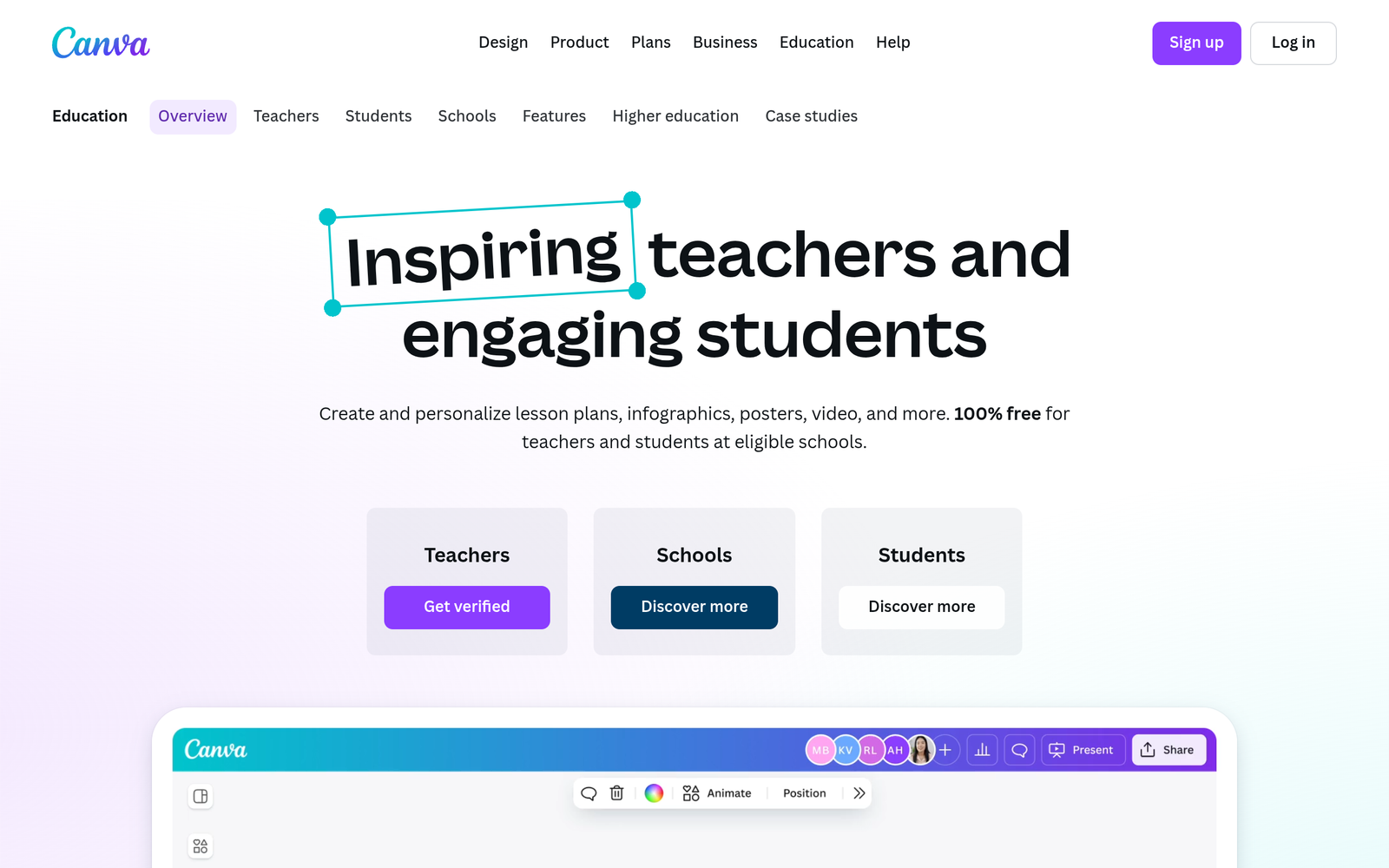
Canva for Education is an AI-powered design platform that helps teachers create visuals for lessons, posters, and presentations with a simple drag-and-drop editor and classroom templates.

Its Magic AI features offer design suggestions, auto layouts, and content-aware adjustments to speed up lesson prep for busy educators.

Description

1. 100% free for verified teachers

  • All Canva for Education features are free for verified teachers.
  • Great for school accounts and classroom use without personal charges.

2. Magic AI design assistant

  • Automatic layout suggestions and template tweaks to speed up lesson prep.
  • Includes content-aware adjustments to fit slide sizes and printing formats.

3. Classroom templates and assets

  • Pre-made templates tailored to lessons, posters, and worksheets.
  • Access to education-focused imagery and artwork collections.

4. Collaborative editing for teams

  • Multiple teachers can work on the same project in real time.
  • Permissions help manage student access and sharing.

5. Flexible export options

  • Export to PDF, PNG, PPTX, and printable formats for class activities.
  • Easy size and format adjustments for different devices.

6. Teacher-friendly safety and privacy

  • Protects student data with classroom-oriented sharing controls.
  • Admin controls available for school accounts.
Reviews

There are no reviews yet.

Be the first to review “Canva for Education – Free educational design tool for classrooms”

Pricing & Plans Of Canva for Education

Pricing plans start with a Free tier for verified educators and paid upgrades for other users.

  • Free: Free – Access to Canva for Education features for verified teachers.
  • Starter: Contact for pricing – Entry-level plan for small teaching teams.
  • Pro: Contact for pricing – Advanced design tools and AI features.
  • Team: Contact for pricing – Collaborative team features.
  • Business: Contact for pricing – Business-grade controls and assets.
  • Enterprise: Contact for pricing – District-wide deployment and admin controls.

Pro's

  • 100% free access for verified teachers, reducing costs for schools.
  • Magic AI features speed up design with auto layouts and smart suggestions.
  • Extensive education templates and assets tailored for classrooms.
  • Real-time collaboration supports student group projects.

Con's

  • Some advanced assets and features require paid plans for non-educator use.
  • Design outputs may still need manual tweaks for highly customized curricula.
  • Offline functionality is limited compared to desktop-only tools.

Popular Use Cases of Canva for Education

  • Design a weekly lesson plan slide deck with teacher templates.
  • Create classroom posters and signage to decorate the room and display rules.
  • Build student worksheets with integrated visuals and checklists.
  • Collaborate with co-teachers on a shared unit plan and accompanying visuals.

Alternatives of Canva for Education

Tool Best For How It Compares
Google Slides Collaborative classroom presentations Slides is web-based and easy to share; Canva offers more design assets and templates
Microsoft PowerPoint Feature-rich slides and offline use PowerPoint has strong offline support and enterprise features; Canva shines with templates
Prezi Dynamic, non-linear storytelling Prezi emphasizes motion; Canva provides traditional slide templates with visuals

Feedback

Representative user feedback:
“Teachers appreciate free templates and AI help for fast lesson visuals.”

Representative user feedback:
“District admins like the classroom collaboration and simple sharing controls.”

FAQs related to Canva for Education

  1. Can Canva for Education really be used for free by teachers?
    Yes, verified teachers can access Canva for Education features at no cost.
  2. Can I share Canva for Education projects with students?
    Yes, you can share projects with students or embed them in class platforms with appropriate permissions.
  3. What classroom templates are available?
    There are templates for posters, worksheets, presentations, and lesson visuals tailored for classrooms.
  4. Does Canva for Education work on tablets?
    Yes, it works in web browsers and on mobile apps across major platforms.

Start creating classroom visuals today

Try Canva for Education now to access teacher-only templates and Magic AI features for free. Create engaging slides, posters, and worksheets in minutes and share with your class.

Related Tools