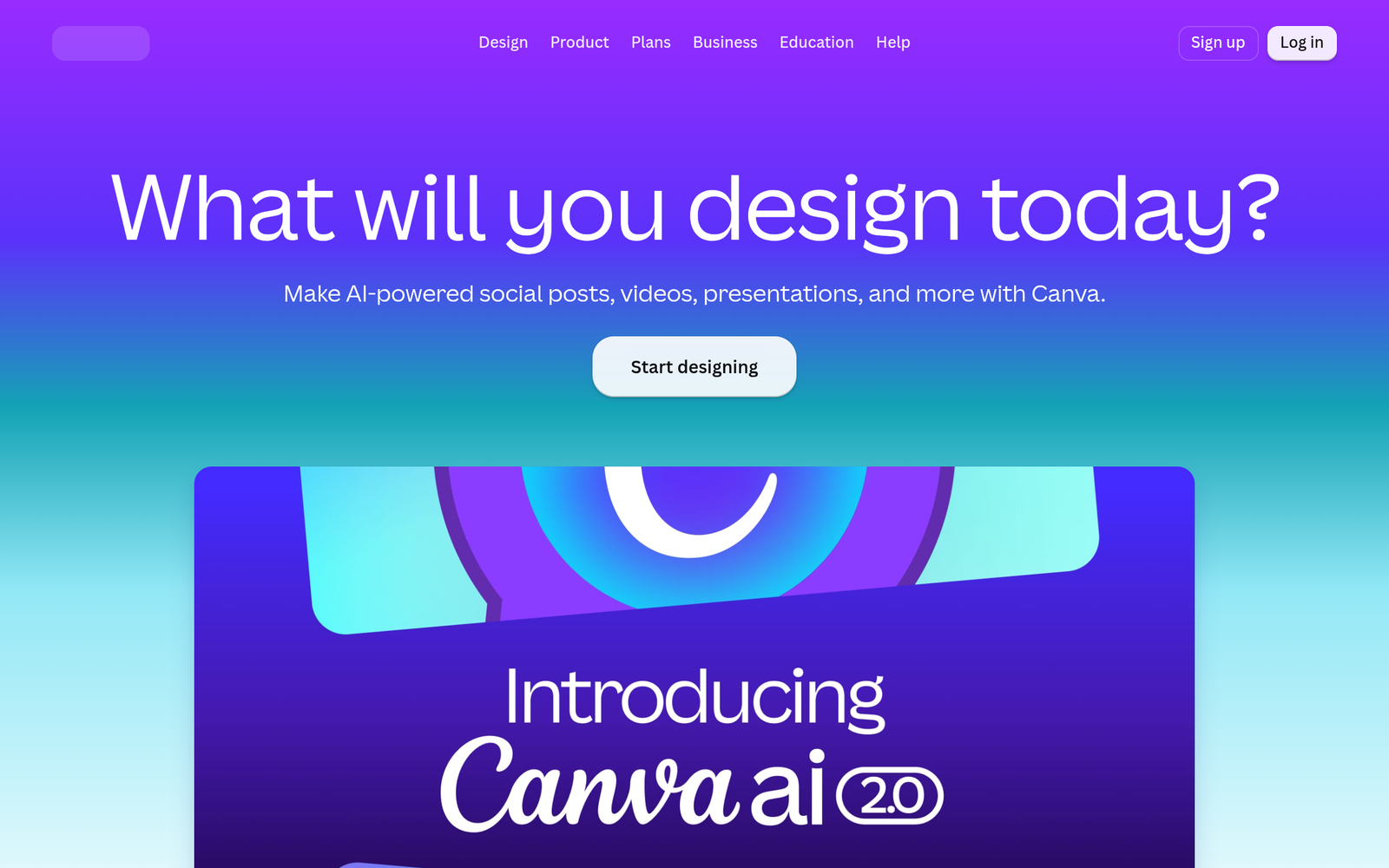
Canva Magic Studio – AI design studio for everyone

ai design studio Canva Magic Studio makes AI-powered design accessible to everyone. It combines templates, AI features, and Magic Layers to speed up visual creation. It is ideal for individuals and teams who want professional results fast.

Category
For All-in-one AI design suite for everyone

Quick Facts - About Canva Magic Studio

Category Graphic Design & Editing
Pricing Freemium
Platform Web, iOS, Android
Main Features Magic Design, Magic Layers, Template Library, Brand Kit, Collaboration
Best For Individuals and teams needing fast, on-brand visuals
Language Support English, Spanish, French, German
Integrations Google Drive, Dropbox, Instagram, Canva plugins
Deployment Web-based

What is Canva Magic Studio ?

Canva Magic Studio is an AI-powered design platform that blends automated design generation with a vast library of templates. It solves the problem of turning ideas into visuals fast for non-designers and busy teams by generating ready-to-edit layouts.

Description

1. Magic Design from Prompts

  • Generates complete layouts from prompts and style selections.
  • Adapts output to brand colors, fonts, and dimensions using the library.

2. Magic Layers for precise editing

  • Allows rearranging and fine-tuning elements with AI-powered suggestions.
  • Preserves edits non-destructively for quick reformatting across sizes.

3. Largest template library

  • Access to thousands of templates across categories and formats.
  • Templates are editable in the main canvas with instant previews.

4. All-in-one AI design suite

  • Combines design generation, photo editing, and layout tools in one place.
  • Designed for both beginners and professionals to speed up workflows.

5. Brand kit and consistency

  • Keeps colors, fonts, and logos consistent across designs.
  • Team members can reuse assets and stay on-brand easily.

6. Cross-channel export and collaboration

  • Exports assets in multiple formats and sizes for social, print, and web.
  • Supports team collaboration with shared templates and comments.
Reviews

There are no reviews yet.

Be the first to review “Canva Magic Studio – AI design studio for everyone”

Pricing & Plans Of Canva Magic Studio

Pricing starts with a Free plan and paid tiers for individuals and teams.

  • Free: Free – Basic access to templates and AI design features.
  • Starter: Contact for pricing – Additional templates and features for growing teams.
  • Pro: $15 /mo – Full access to all features and premium templates.
  • Team: $10 per user /mo – Collaboration with shared assets and brand control.

Pro's

  • AI-assisted design speeds up creation and iteration.
  • Massive template library reduces the need to start from scratch.
  • Brand Kit ensures consistency across teams and channels.
  • Collaborative features streamline feedback and approvals.
  • Multi-format exports support social, print, and web assets.

Con's

  • AI results can still require human tweaks for niche styles.
  • Pricing adds up for large teams on per-user plans.
  • Limited offline access since the tool is primarily cloud-based.

Popular Use Cases of Canva Magic Studio

  • A social media manager generates a 7-post carousel with consistent branding.
  • A marketer creates a multi-format campaign banner set for web and email.
  • A teacher designs classroom posters and handouts quickly.
  • A startup builds a pitch deck using templates and AI-generated layouts.

Alternatives of Canva Magic Studio

Tool Best For How It Compares
Adobe Express Fast social graphics and brand assets Has templates and simple AI features but Canva offers deeper AI design workflows.
VistaCreate Broad template library with motion graphics Strong templates; Canva adds Magic Design and improved collaboration.
PicMonkey Photo-driven designs and quick editing Great photo editing; Canva provides broader AI-driven design features and templates.

Feedback

Representative user feedback:
“Consistent templates save time, but AI prompts can be hit-or-miss on complex designs.”

Representative user feedback:
“Great for teams, though occasional UX tweaks would help with faster collaboration.”

FAQs related to Canva Magic Studio

  1. What is Canva Magic Studio?
    It is an AI-powered design platform that combines templates, AI design features, and layers for quick visuals.
  2. Is there a free plan?
    Yes, there is a Free plan with basic features; paid plans unlock more templates and tools.
  3. Can I collaborate with others?
    Yes, Team features enable collaboration, shared templates, and brand controls.
  4. What formats can I export?
    Exports include PNG, JPG, and PDF, with scalable options for different channels.

Start creating with AI design today

Try Canva Magic Studio now to turn ideas into visuals in minutes. You gain access to the largest template library and AI design features that adapt to your brand. Get started today.

Related Tools