Khroma – ai color palette generator for UI/UX design

ai color palette generator that learns your color taste, Khroma helps designers quickly generate personalized color palettes. It speeds up work for UI/UX teams seeking on-brand, cohesive color systems.

Category
For AI-personalized color palette generator

Quick Facts - About Khroma

Category UI/UX Design & Prototyping
Pricing Freemium
Platform Web
Main Features Personalized palettes, infinite palettes, taste-learning, contextual suggestions, brand sync
Best For Design teams, UI designers, product managers
Language Support English
Integrations Design tools and design tokens
Deployment Cloud-based

What is Khroma ?

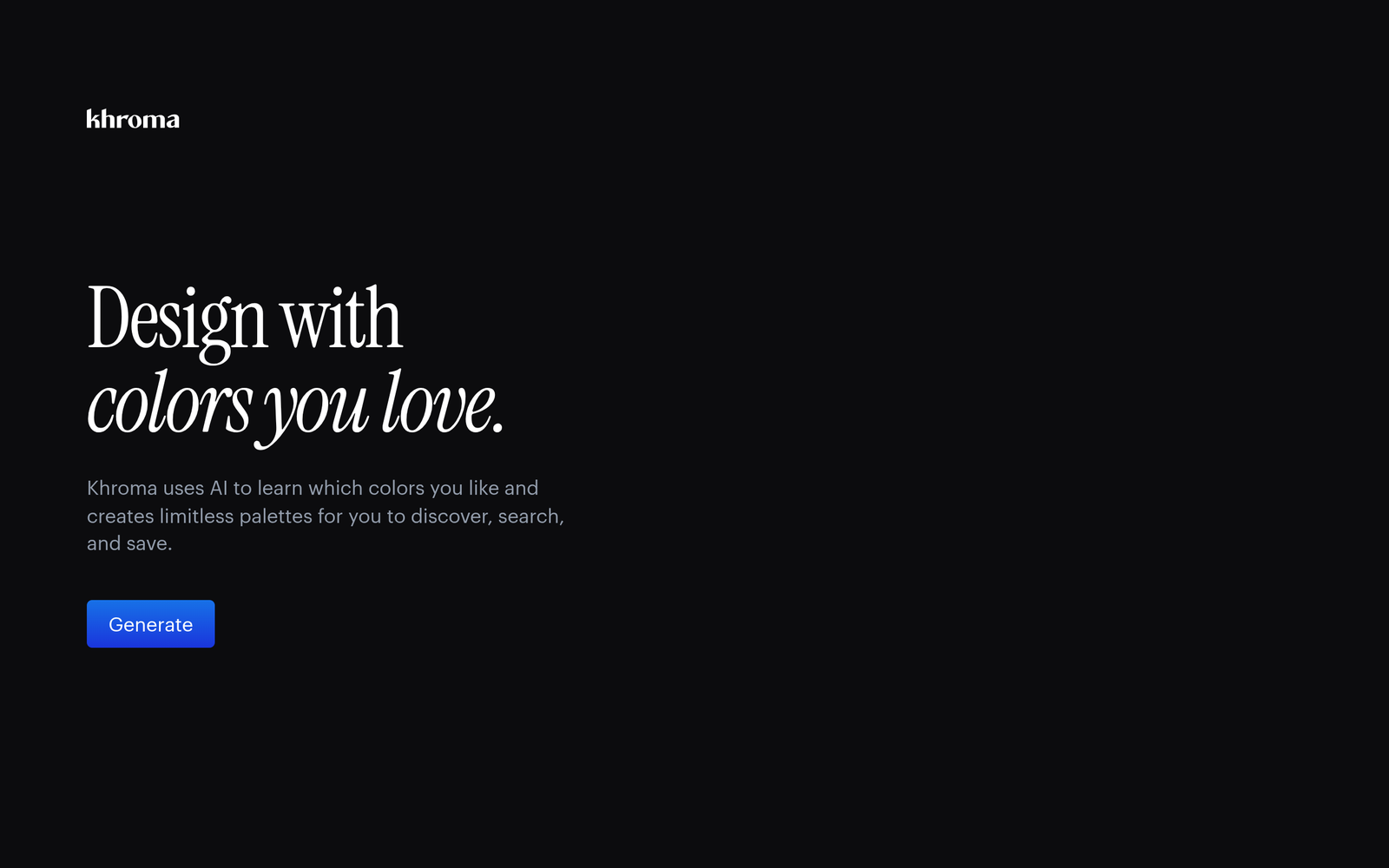
Khroma is an AI-powered ai color palette generator that learns your color taste from how you design.

It suggests cohesive palettes for UI/UX design while adapting to project context and brand rules.

Description

1. Personalized color palettes

  • Generates palettes tailored to your taste by watching your selections over time.
  • Adapts to different design contexts to stay on-brand.

2. Infinite palette generation

  • Produces endless variations for every UI element.
  • Maintains consistency across shades, tints, and tones automatically.

3. Contextual color suggestions

  • Suggests palettes based on project type, audience, and brand constraints.
  • Integrates with your current design files to stay aligned with existing UI tokens.

4. Brand color sync

  • Syncs with your brand colors and preserves core colors.
  • Helps maintain consistency across components and screens.

5. Easy export and integration

  • Exports palettes in common formats for design tools and codebases.
  • Supports tokens for design systems and component libraries.

6. Team collaboration features

  • Share palettes with teammates for feedback and approvals.
  • Tracks changes and palette history for version control.
Reviews

There are no reviews yet.

Be the first to review “Khroma – ai color palette generator for UI/UX design”

Pricing & Plans Of Khroma

Pricing is fully free with no paid plans.

  • Free: Free – Full access to AI-personalized color palettes with unlimited palettes.

Pro's

  • Personalized palettes adapt to your taste as you work.
  • Infinite variations give you options for every UI element.
  • Helps maintain consistent color systems across products.
  • No upfront cost to start; easy to try.

Con's

  • Model improves with use, so initial results may vary.
  • Export options may require tweaks for some toolchains.
  • Limited offline functionality as it is cloud-based.

Popular Use Cases of Khroma

  • Design a mobile banking app color scheme that satisfies accessibility and branding requirements.
  • Create a cohesive palette for a SaaS dashboard with consistent token usage across components.
  • Experiment with color palettes for a marketing landing page to test contrast and vibes.
  • Generate brand-forward palettes for a new product launch and compare options.

Alternatives of Khroma

Tool Best For How It Compares
Coolors Fast palette inspiration for quick mockups Generates palettes quickly and easily, but Khroma focuses on learning your taste over time
Colormind AI-generated palettes from deep learning Strong data-driven palettes, but less emphasis on personal taste adaptation
Color Hunt Trends and curated palettes Great inspiration but lacks personalized learning compared to Khroma

Feedback

Representative user feedback:
“It learns my color taste and speeds up palette decisions.”

Representative user feedback:
“I appreciate how it expands options without starting from scratch for every project.”

FAQs related to Khroma

  1. What is Khroma and how does it work?
    Khroma uses AI to learn your color preferences from your selections and generates personalized palettes for UI/UX design. It refines suggestions as you continue to use it.
  2. Is Khroma free to use?
    Yes, a free access level is available and this page describes pricing as fully free. There are no paid plans required.
  3. Can I export palettes and integrate them into my design workflow?
    Yes, palettes can be exported in common formats and used in design tools and tokens.
  4. Who should use Khroma?
    It is ideal for UI/UX designers, design teams, and product managers who want consistent, brand-aligned color systems.

Build cohesive color palettes today

Try Khroma now to generate palettes that match your brand taste. Save favorites and reuse colors across UI components to speed up your design workflow.

Related Tools