Uizard – AI Wireframes for UI Design and Prototyping

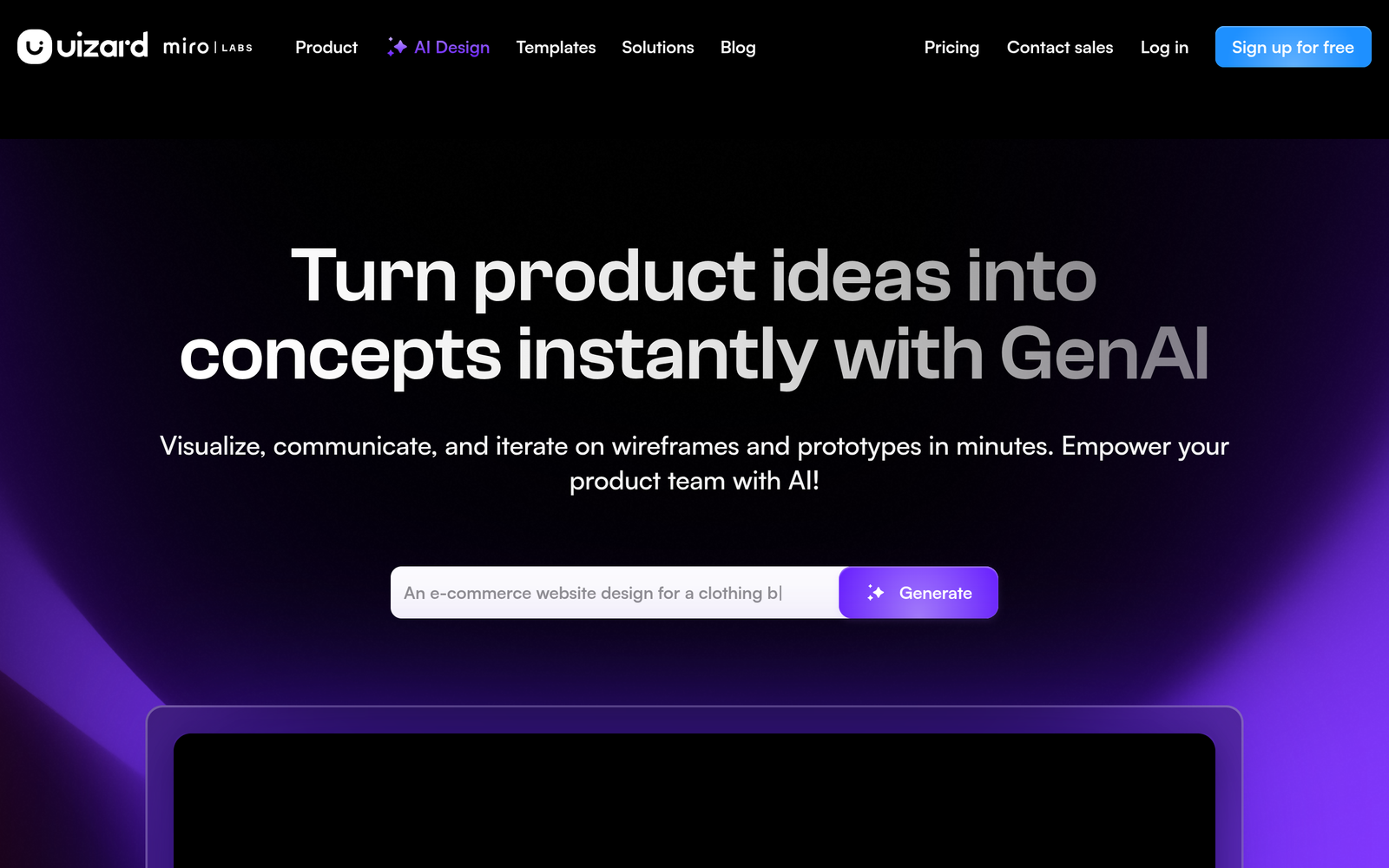
ai wireframes speed up UI design by turning text, sketches, or screenshots into ready-to-run interfaces. Uizard is built for designers, product teams, and developers who want fast prototyping and clearer communication.

Category
For AI wireframes from text, sketch, or screenshot

Quick Facts - About Uizard

Category UI/UX Design & Prototyping
Pricing Freemium
Platform Web
Main Features Text-to-wireframes, Sketch-to-digital conversion, Screenshot-to-wireframe, Miro integration, Prototyping exports, Collaboration tools
Best For Design teams and product managers
Language Support English
Integrations Miro, prototyping formats
Deployment Cloud-based web app

What is Uizard ?

Uizard is an AI-powered design tool that turns text, sketches, or screenshots into editable UI wireframes. The tool analyzes input prompts or images and generates editable components and layouts that you can refine in the app. The main problem it solves is speeding up early UI design and cross-team alignment, helping designers, product managers, and developers move from concept to testable layouts faster.

Description

1. Text-to-wireframe generation

  • Converts natural language prompts or descriptions into editable UI wireframes.
  • Speeds up early design by removing manual sketching steps.

2. Sketch-to-digital conversion

  • Imports hand-drawn sketches and redraws them as scalable UI elements.
  • Preserves layout intent and reduces iteration time.

3. Screenshot-to-wireframe extraction

  • Transforms screenshots into reusable wireframe prototypes.
  • Facilitates rapid concept validation from existing designs.

4. Miro integration and collaboration

  • Works within the Miro ecosystem for team collaboration.
  • Keeps stakeholders aligned with live design assets.

5. Rich components library and auto-layout

  • Provides prebuilt UI components and intelligent layout adjustments.
  • Lets you customize themes and export-ready styles.

6. Export, handoff, and prototyping exports

  • Exports to common formats and prototyping tools for handoff.
  • Supports developer-ready specs and assets export.

Reviews

There are no reviews yet.

Be the first to review “Uizard – AI Wireframes for UI Design and Prototyping”

Pricing & Plans Of Uizard

Pricing starts with a Freemium model and adds paid plans for teams.

  • Free: Free – Basic access with limited projects and features.
  • Starter: $15/mo – Access to additional features and more projects.
  • Pro: $39/mo – Full feature access and priority support.
  • Business: Contact for pricing – For teams needing collaboration and admin controls.

Pro's

  • Speeds up early UI design by turning text and sketches into wireframes.
  • Integrates with Miro for seamless team collaboration.
  • Offers a growing library of components and auto-layout features.
  • Supports quick export or handoff to prototyping tools.
  • Helps align stakeholders with visual concepts early in the process.

Con's

  • Generation quality depends on input clarity and may require tweaks.
  • AI wireframes may lack nuanced interactions for complex apps.
  • Cloud-based workflow may require internet access.

Popular Use Cases of Uizard

  • Create a mobile app concept by generating wireframes from a product brief for stakeholder review.
  • Convert a hand-drawn sketch of a dashboard into an editable prototype during a workshop.
  • Turn a competitor screenshot into a shareable UI frame for design critique.
  • Produce developer-ready specs and assets from AI-generated layouts for handoff.

Alternatives of Uizard

Tool Best For How It Compares
Figma Collaborative UI design Figma is a full design tool; Uizard focuses on AI wireframes from text/sketch.
Balsamiq Rapid low-fidelity wireframes Balsamiq is simple and fast but lacks AI generation from natural input.
Whimsical Lightweight wireframes and flows Whimsical offers fast wireframes but not AI wireframe generation from text.

Feedback

Representative user feedback:
“Uizard speeds up early UI ideas and helps teams align fast.”

Representative user feedback:
“The AI wireframes save time, but you still refine layouts manually.”

FAQs related to Uizard

  1. What inputs can Uizard convert into wireframes?
    It can turn text descriptions, hand-drawn sketches, or screenshots into editable UI wireframes.
  2. Can Uizard export designs to other design tools?
    Yes, you can export to common prototyping formats or hand off assets for development.
  3. Is Uizard part of the Miro ecosystem?
    Yes, Uizard is now part of the Miro ecosystem for collaborative workflows.
  4. What plans are available and pricing?
    Uizard uses a freemium model with paid Pro and Business plans; pricing varies by usage.

Start Creating AI Wireframes Today

Start your trial now to turn ideas into testable UI wireframes in minutes. See how a brief or sketch becomes an interactive layout designers can review with stakeholders.

Related Tools