Plus AI – AI presentation tool for Slides & PPTs

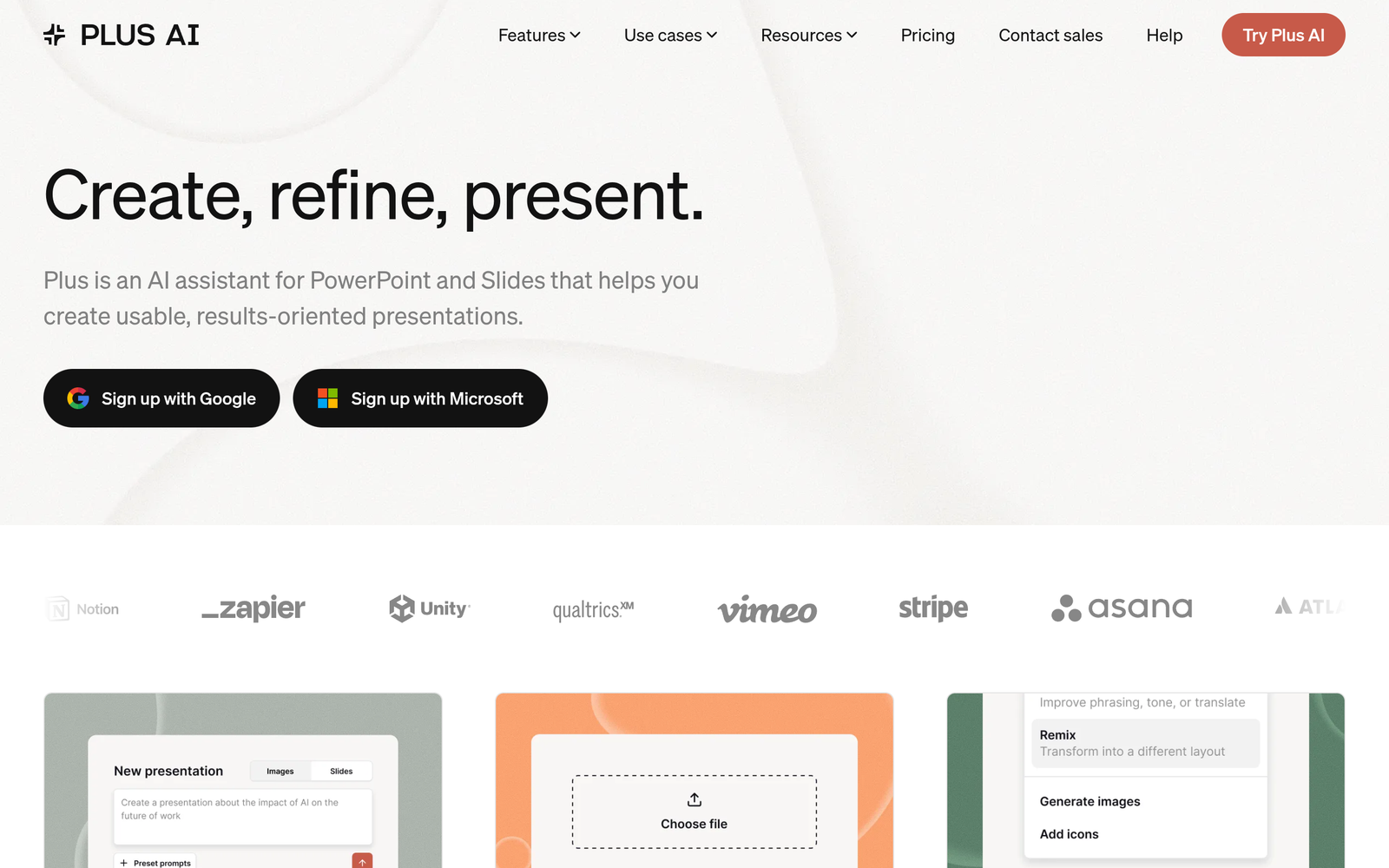
AI presentation tool Plus AI helps teams streamline slide creation and keep branding consistent. It works inside Google Slides and PowerPoint to add intelligent features without leaving your familiar workflow.

Category
For AI presentation add-on for Slides & PowerPoint

Quick Facts - About Plus AI

Category Presentation Design
Pricing Freemium
Platform Cross-platform (Google Slides + PowerPoint)
Main Features Cross-platform native inside Slides & PPT; AI layout; template library; brand kit; real-time collaboration
Best For Design teams, presenters, SMBs
Language Support UI in English; content supports multiple languages
Integrations Google Slides, PowerPoint; cloud storage
Deployment Cloud-based

What is Plus AI ?

Plus AI is an AI-powered presentation design assistant that lives inside Google Slides and PowerPoint.

It solves the problem of inconsistent visuals and time-consuming design work by providing cross-platform support and smart recommendations, helping teams and presenters who want polished decks quickly.

Description

1. Cross-Platform Native Inside Slides & PPT

  • You do not need extra apps because it works natively inside Google Slides and PowerPoint.
  • Parses your content and applies features consistently across both platforms.

2. Auto Layout & Theme Sync

  • Auto-layout suggestions adapt to your existing theme and branding.
  • Theme and font consistency is preserved as you move between slides.

3. AI Image & Icon Sourcing

  • Suggests relevant visuals and icons to match slide content.
  • Includes a simple search within the tool, reducing time spent browsing stock sites.

4. Smart Content Optimization

  • Suggests concise wording and slide balance to improve readability.
  • Flags overcrowded slides and recommends simplifications.

5. Template Library & Brand Kit Sync

  • Access to templates that align with your brand guidelines.
  • Brand kit sync ensures colors and logos stay consistent across decks.

6. Real-time Collaboration & Sharing

  • Co-work with teammates on the same deck with live updates.
  • Share links and control permissions for quick review cycles.

Reviews

There are no reviews yet.

Be the first to review “Plus AI – AI presentation tool for Slides & PPTs”

Pricing & Plans Of Plus AI

Plus AI uses a freemium model with paid Pro and Team plans.

  • Free: Free – Basic access with limited features.
  • Pro: $10/mo – Access to premium features for individuals and priority support.
  • Team: $20/mo – Collaboration, shared templates, and team admin controls.

Pro's

  • Reduces time spent on slide design by auto-layout suggestions.
  • Maintains brand consistency with templates and theme sync.
  • Works across Google Slides and PowerPoint without switching apps.
  • Supports real-time collaboration for faster reviews.
  • Offers a free tier to test core capabilities.

Con's

  • Some advanced features require paid plans.
  • Dependent on internet connection for real-time AI suggestions.
  • Initial setup may require a quick template alignment.

Popular Use Cases of Plus AI

  • A marketing team builds a Q3 results deck in Google Slides and uses Plus AI for cross-platform consistency.
  • A sales rep creates client proposals with branded templates and quick visuals.
  • An educator builds lecture slides with auto-layout and image suggestions to save time.
  • A product team collaborates on a pitch deck with teammates via Team plan.

Alternatives of Plus AI

Tool Best For How It Compares
Beautiful.ai Automatic slide design and professional visuals Strong automation but less control over exact layouts
Canva Brand-friendly templates and easy sharing Great templates, but AI features may be less integrated for slides
Slidebean Pitch decks and marketing decks Content-first approach, but fewer cross-platform integrations

Feedback

Representative user feedback:
“Cross-platform use saves time, but some advanced features feel a bit clunky.”

Representative user feedback:
“Great for team collaboration, but relies on internet and occasional AI prompts.”

FAQs related to Plus AI

  1. What platforms does Plus AI work with?
    Plus AI works natively inside Google Slides and PowerPoint.
  2. What is the pricing model and free plan details?
    Plus AI uses Freemium pricing with a Free tier and paid Pro and Team plans; a free trial is available.
  3. Can Plus AI help with branding and templates?
    Yes, it includes templates and branding options, and you can sync brand kits across decks.
  4. Does Plus AI support team collaboration?
    Yes, Team plan includes collaboration features and admin controls.

Get started with smarter slide design

Try Plus AI today to accelerate deck creation and maintain branding across slides. The free tier lets you test core capabilities, and Pro or Team upgrades unlock collaboration and advanced templates.

Related Tools