Huemint – AI color palette generator for brands and UI

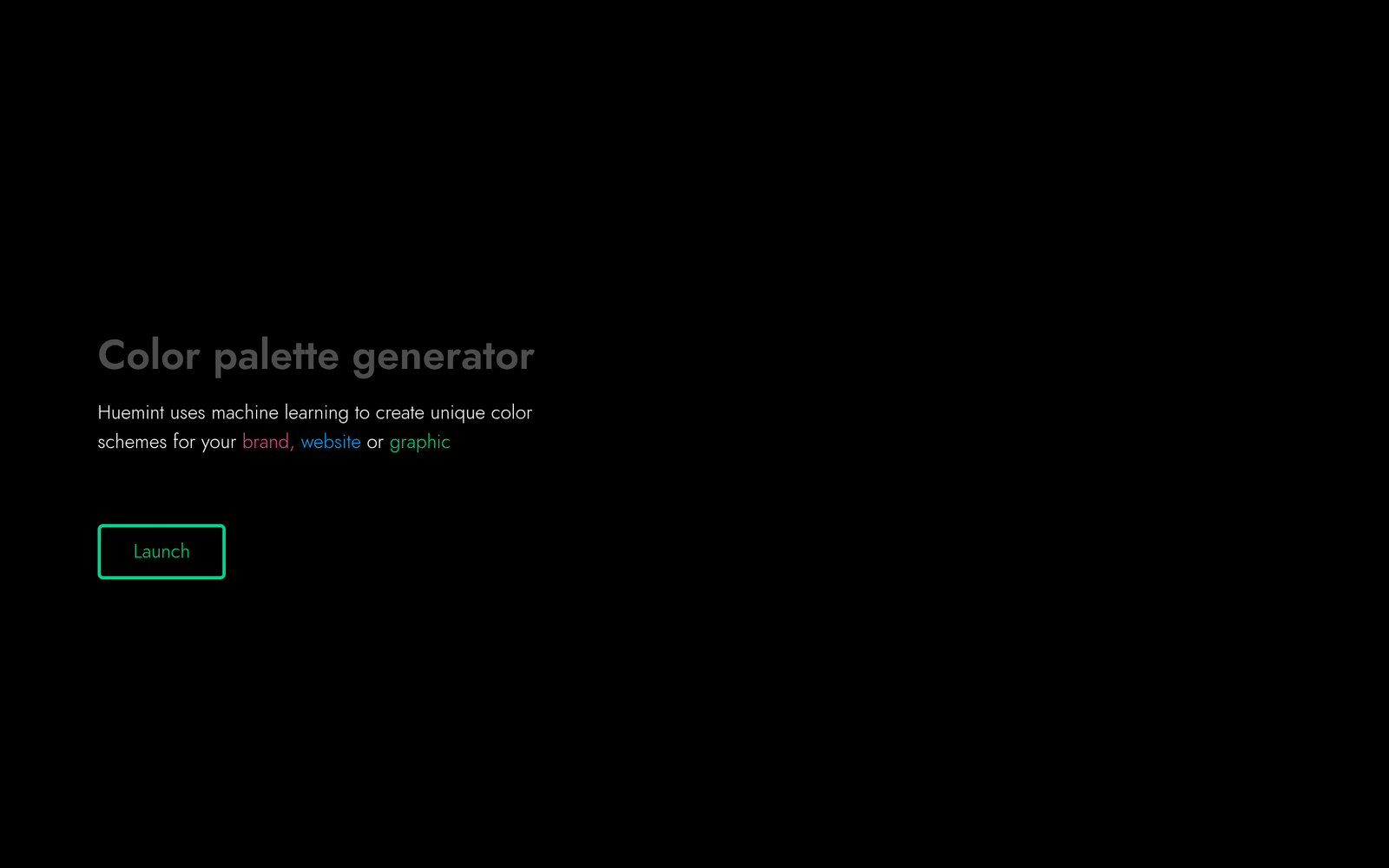
ai color palette generator Huemint helps brands and UI teams create cohesive color systems. It uses a generative AI model trained on color theory to craft brand-aligned palettes. The result is faster, more consistent design across logos, websites, and apps.

Category
For AI color scheme generator for brands & UI

Quick Facts - About Huemint

Category Design Systems & Foundations
Pricing Free
Platform Web
Main Features Palette generation, Brand alignment, Accessibility checks, Exports, Variations, History
Best For Brand managers, UI/UX designers, design teams
Language Support English
Integrations CSS, CSS-in-JS, Figma
Deployment Cloud-based

What is Huemint ?

Huemint is an AI-powered color palette tool that uses a generative AI model trained on color theory to create harmonious brand and UI color schemes. This tool solves the problem of inconsistent colors across products by providing ready-to-use palettes that align with brand values, benefiting design teams, branding agencies, and product teams.

Description

1. Color theory-driven palette generation

  • Generates color palettes grounded in color theory principles to ensure harmony and contrast.
  • Allows you to specify target moods or brand attributes to steer color output.

2. Brand-aligned palette customization

  • Imports existing brand colors and suggests cohesive palettes that extend them.
  • Offers variations that preserve brand identity across different product surfaces.

3. Accessibility-friendly contrast checks

  • Evaluates foreground/background contrast to meet WCAG guidelines.
  • Suggests readable palette adjustments for text, icons, and UI components.

4. Quick palette export for design tools

  • Exports palettes in common formats for major design systems and tools.
  • Includes ready-to-copy tokens for CSS, SwiftUI, and Figma styles.

5. Generative AI experimentation with variations

  • Generates multiple palette variants to compare options quickly.
  • Helps you iterate on color relationships without manual tweaking.

6. Palette history and versioning

  • Tracks palette changes over time for auditing and reuse.
  • Pin and label favorite palettes for quick retrieval in future projects.

Reviews

There are no reviews yet.

Be the first to review “Huemint – AI color palette generator for brands and UI”

Pricing & Plans Of Huemint

Pricing is simple: Free access with no paid plans.

  • Free: Free – Access to color palette generation and basic features.

Pro's

  • Palette outputs stay cohesive with brand values for logos, UI, and marketing materials.
  • Automatic contrast considerations help maintain readability across text and components.
  • Brand color extension respects existing palette constraints while offering fresh variations.
  • Export-ready tokens save time when moving from design to code.

Con's

  • Palette quality depends on input prompts; may require human refinement.
  • Limited to color generation; may require additional design guidance beyond color.

Popular Use Cases of Huemint

  • A startup updates its brand color palette for a mobile app launch and needs cohesive UI colors.
  • A design team revises website and marketing materials to align with a refreshed brand palette.
  • Product teams generate color tokens for a design system across CSS and design tools.
  • An agency experiments with palette variations to present options to a client.

Alternatives of Huemint

Tool Best For How It Compares
Coolors Quick palette inspiration Fast generation; Huemint emphasizes color theory and brand alignment
Adobe Color Creative Cloud integration Deep integration with CC apps; Huemint focuses on brand-centric palettes
Colormind Data-driven color suggestions Learns from design data; Huemint centers on color theory for branding

Feedback

Representative user feedback:
“Colors feel cohesive and on-brand with minimal effort, speeding up brand design.”

Representative user feedback:
“Generative color suggestions save time, but may need accessibility checks for exact use cases.”

FAQs related to Huemint

  1. How does Huemint generate color palettes?
    It uses a generative AI model trained on color theory to propose brand-ready palettes.
  2. Can Huemint handle accessibility?
    Yes, it includes contrast checks and suggests accessible adjustments.
  3. Can I export palettes to design tools?
    Yes, palettes can be exported in common formats for CSS, Figma, and more.
  4. Is Huemint free to use?
    There is a Free plan with no paid plans.

Start crafting brand palettes today

Try Huemint now to generate color palettes tailored to your brand. See how cohesive colors across logos, websites, and apps strengthen your visual identity.

Related Tools