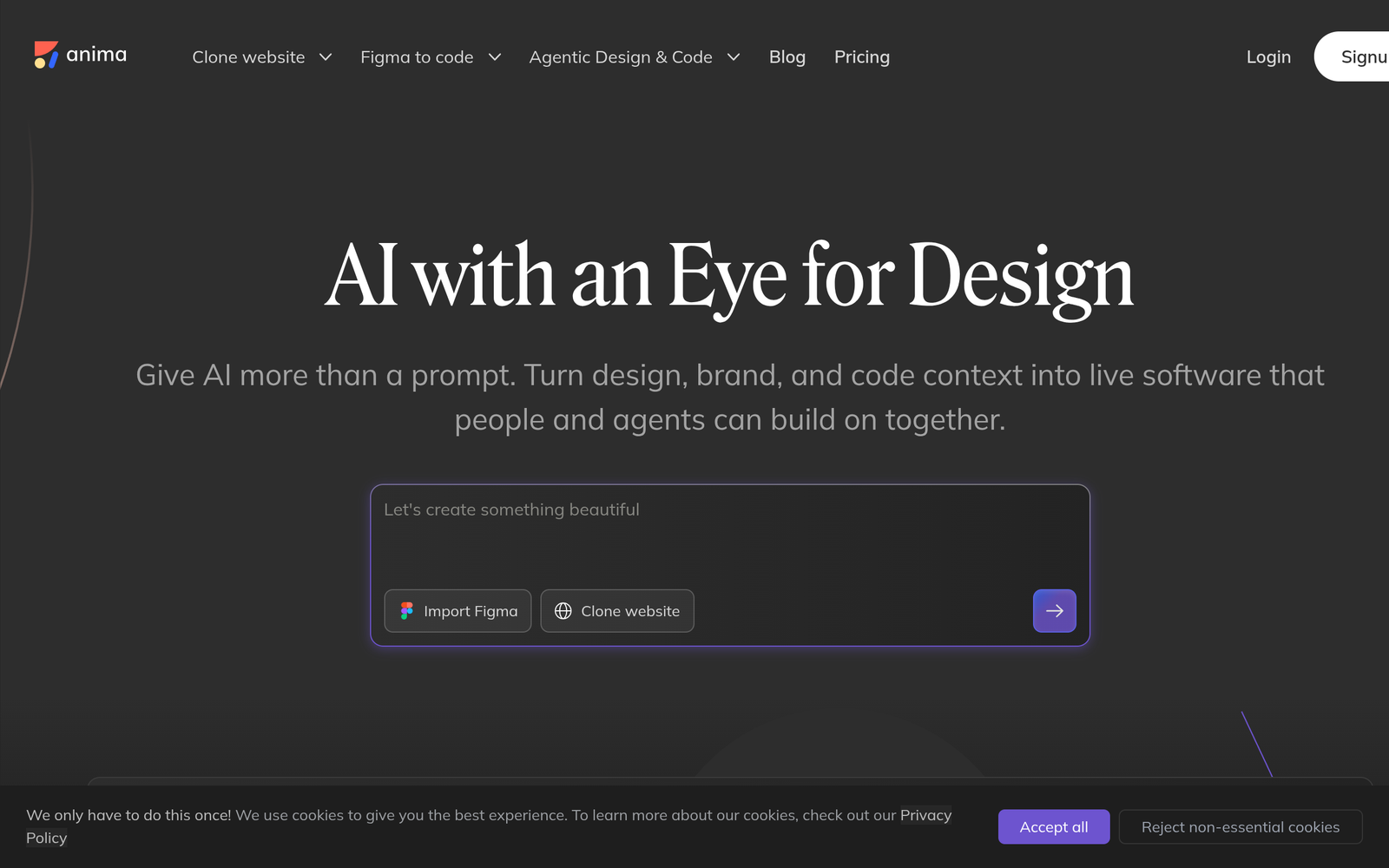
Anima – Design-to-code AI for Figma to React/HTML

design-to-code AI that turns Figma designs into clean React and HTML. It helps design and development teams ship interfaces faster. The output stays faithful to the original design while accelerating frontend work.

Category
For Design-to-code AI (Figma to React/HTML)

Quick Facts - About Anima

Category UI/UX Design & Prototyping
Pricing Freemium
Platform Web
Main Features Figma to React/HTML; Design Tokens; Code Export
Best For Design-led front-end teams
Language Support HTML, React code output
Integrations Figma, IDEs, design systems
Deployment Cloud-based

What is Anima ?

Anima is an AI-powered design-to-code tool that converts Figma designs into production-ready React and HTML code. The main problem it solves is the handoff gap between design and development, helping product teams, UI/UX designers, and frontend engineers iterate faster.

Description

1. Figma to React/HTML Conversion

  • Generates production-ready components that map to your design tokens and styles.
  • Preserves layout, typography, spacing, and responsive rules with high fidelity.

2. Clean Code and Theming

  • Produces clean, readable code that follows common React/HTML conventions.
  • Supports design tokens and theming for easy updates across pages.

3. Real-time Handoff and Collaboration

  • Allows teams to share design-to-code outputs and get developer feedback fast.
  • Keeps design intent in sync as changes happen in Figma.

4. Export Formats and Integrations

  • Exports ready-to-run components for React or HTML projects.
  • Integrates with popular design systems and workflows.

5. Pixel-perfection and Design Fidelity

  • Maintains spacing, fonts, colors, and assets closely to the original design.
  • Offers adjustable fidelity modes for faster iterations.

6. Prototyping to Production Flow

  • Turns interactive prototypes into working UI quickly for testing.
  • Lets you preview in-context before handoff to code.
Reviews

There are no reviews yet.

Be the first to review “Anima – Design-to-code AI for Figma to React/HTML”

Pricing & Plans Of Anima

Pricing plans start with a Free tier and scale to Pro and Team plans.

  • Free: Free – Basic features with limited exports.
  • Starter: Contact for pricing – Expanded export options and faster renders.
  • Pro: $31/mo – Full feature access for individuals and small teams.
  • Team: $46/mo – Team-wide collaboration and admin controls.

Pro's

  • Produces production-ready React and HTML code directly from designs.
  • Supports design tokens and theming for consistent visuals.
  • Speeds up handoff between design and development teams.
  • Helps maintain design fidelity across iterations and updates.

Con's

  • Output may require manual refinement for complex logic or custom components.
  • Dependence on Figma design quality can affect results.
  • Code generation may lag behind rapid design changes in some workflows.

Popular Use Cases of Anima

  • Export Figma components to React for a new product frontend.
  • Bootstrap a React project by importing Anima-generated HTML/JSX code.
  • Keep design intent in sync as designers update components in Figma.
  • Prototype a marketing landing page and hand off clean code to developers.

Alternatives of Anima

Tool Best For How It Compares
Framer Best For interactive prototypes with code export Framer focuses on designer-facing UX and code export, but not always direct Figma-to-HTML fidelity.
TeleportHQ End-to-end design-to-code workflow Offers cloud-based code generation and deployment tools with broader design-to-code pipeline.
BuilderX Code-first UI design and React export BuilderX emphasizes code-centric design and React export, with different export options than Anima.

Feedback

Representative user feedback:
“Design-to-code handoffs are faster, but some outputs still require manual refinement.”

Representative user feedback:
“Great for rapid scaffolding, but complex logic still needs a developer touch.”

FAQs related to Anima

  1. What can Anima export from Figma?
    Exports React and HTML components ready for integration, with design tokens.
  2. Does Anima support other design formats or only Figma?
    Anima focuses on Figma-to-code workflows for now.
  3. Can I collaborate with my team on Anima projects?
    Yes, Team plan supports collaboration and shared workspaces.
  4. Is there a free tier or trial?
    Yes, there is a Freemium model with free trial options.

Start converting designs to code now

You can turn Figma designs into production-ready React and HTML code today. Try Anima to accelerate handoff and begin building interfaces faster.

Related Tools