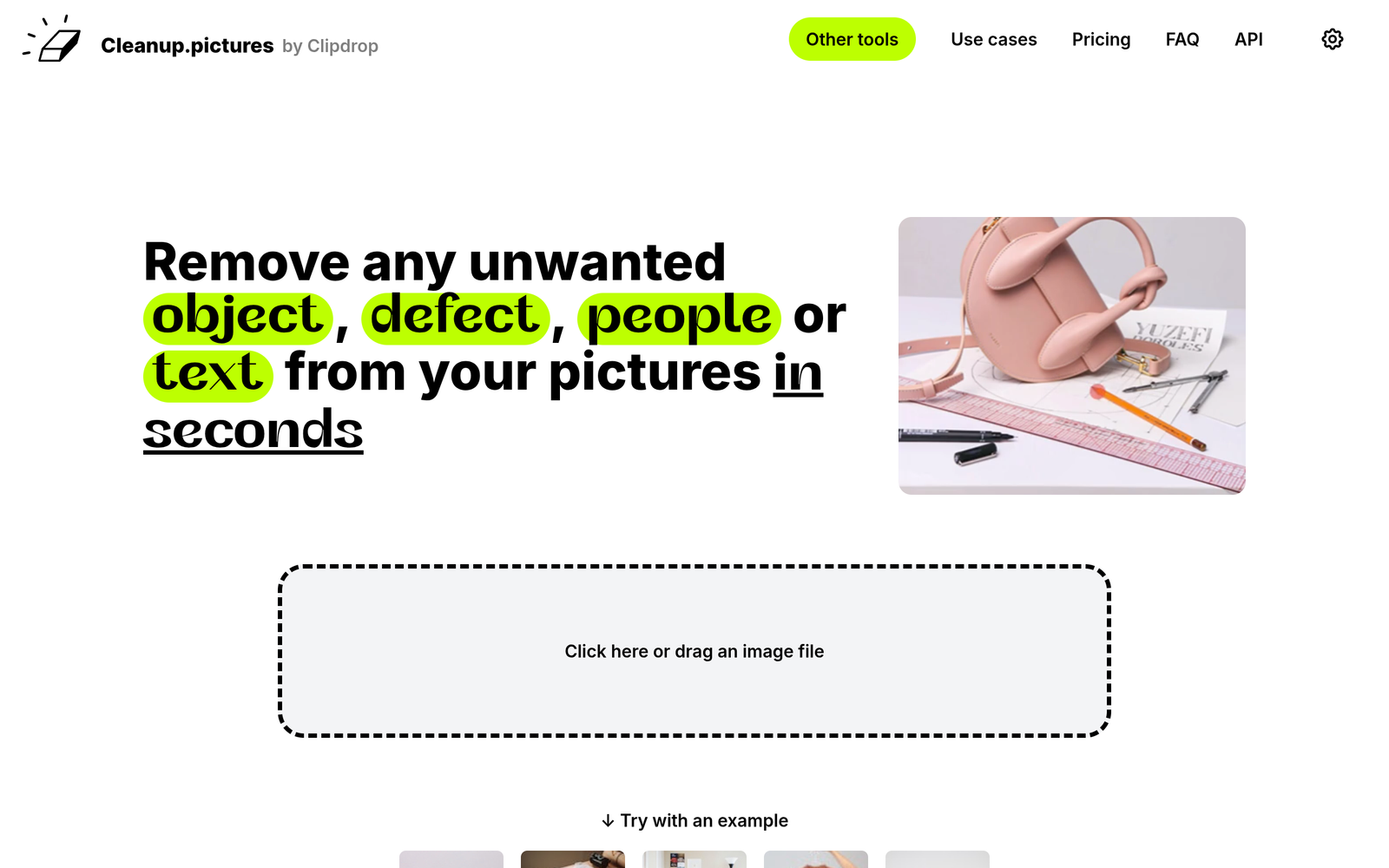
Cleanup.pictures – AI object removal from photos

AI object removal is the focus of Cleanup.pictures. It removes unwanted items from photos with a single click, helping creators deliver clean images faster.

Category
For AI object removal from photos

Quick Facts - About Cleanup.pictures

Category Graphic Design & Editing
Pricing Freemium
Platform Web, iOS, Android
Main Features AI object removal, one-click edits, context-aware inpainting
Best For Photographers and designers
Language Support English
Integrations Browser-based workflow
Deployment Cloud-based

What is Cleanup.pictures ?

Cleanup.pictures is an AI-powered image editing tool that removes unwanted objects from photos with a single click.

This tool makes AI object removal easy for photographers, designers, and marketers who want clean images fast.

Description

1. One-click object removal

  • Removes unwanted items with a single click.
  • Uses AI to fill the area naturally, reducing visible seams.

2. Context-aware inpainting

  • Maintains texture and lighting for realistic results.
  • Adapts to different backgrounds without obvious artifacts.

3. Non-destructive edits

  • Original image remains intact; exports preserve quality.
  • Edits can be reversed or adjusted at any time.

4. Web-based editor

  • No software installation required; works in a modern browser.
  • Export options cover common formats for web and print.

5. Quick previews

  • Live previews update as you edit.
  • Fast feedback helps refine edits quickly.

6. High-resolution outputs

  • Exports support high-resolution images suitable for printing.
  • Removals retain detail and sharpness post-edit.

Reviews

There are no reviews yet.

Be the first to review “Cleanup.pictures – AI object removal from photos”

Pricing & Plans Of Cleanup.pictures

Pricing follows a Freemium model with a Pro option.

  • Free: Free – Basic object removal with limited usage.
  • Starter: Contact for pricing – Moderate usage with standard processing.
  • Pro: $5/mo – Full access to AI object removal with faster processing and higher limits.
  • Business: Contact for pricing – Team features and collaboration options.
  • Enterprise: Contact for pricing – Scalable enterprise solution with priority support.
  • Team: Contact for pricing – Multi-user collaboration and shared assets.

Pro's

  • Removes unwanted items quickly with one click.
  • Preserves textures and lighting for realistic edits.
  • No software installation required; edits in your browser.
  • Freemium access lets you try before you buy.
  • Predictable results across different backgrounds.

Con's

  • Results vary by image complexity and background texture.
  • Free tier has limits on resolution or usage.
  • Not all tricky edits can be perfect; some manual touch-ups may be needed.

Popular Use Cases of Cleanup.pictures

  • Remove a passerby from a street photo for a cleaner product shot.
  • Clear clutter in real estate photos before listing.
  • Eliminate distractions in travel photos for portfolio showcases.
  • Prep social media images by removing people or objects from scenes.

Alternatives of Cleanup.pictures

Tool Best For How It Compares
TouchRetouch Mobile object removal Excellent for quick edits on the go; strong on mobile, less flexible for desktop workflows.
Inpaint Photo restoration and object removal Solid for simple backgrounds; may need more tweaks on complex scenes.
Remove.bg Background removal Great for removing backgrounds; not focused on object removal inside a scene.

Feedback

Representative user feedback:
“Easy to remove unwanted items with a single click, fast results.”

Representative user feedback:
“Quality varies by image, but saves editing time overall.”

FAQs related to Cleanup.pictures

  1. What can Cleanup.pictures remove?
    It removes unwanted objects or people from photos with a single click.
  2. Does Cleanup.pictures offer a free plan?
    Yes, it uses a Freemium model with free trials; Pro is available for higher usage.
  3. What image formats are supported?
    Common formats like JPG and PNG are supported; outputs are standard image files.
  4. Is there a watermark on edits?
    No watermark on paid plans; free tier may have limits on resolution or features.

Start Cleaning Your Photos Today

Try Cleanup.pictures now to remove distractions from your photos with a single click. See cleaner, ready-to-use images faster for your portfolio, listings, or social posts.

Related Tools