Coolors AI – ai color palette generator & scheme explorer

ai color palette generator powers the palette you see. This tool is ideal for designers, brand teams, and developers who want consistent palettes with AI-powered suggestions.

Category
For AI color palette generator & scheme explorer

Quick Facts - About Coolors AI

Category Design Systems & Foundations
Pricing Freemium
Platform Web
Main Features AI palette generation, scheme explorer, smart exports
Best For Designers and branding teams
Language Support English
Integrations Figma, Adobe XD, Sketch
Deployment Web-based

What is Coolors AI ?

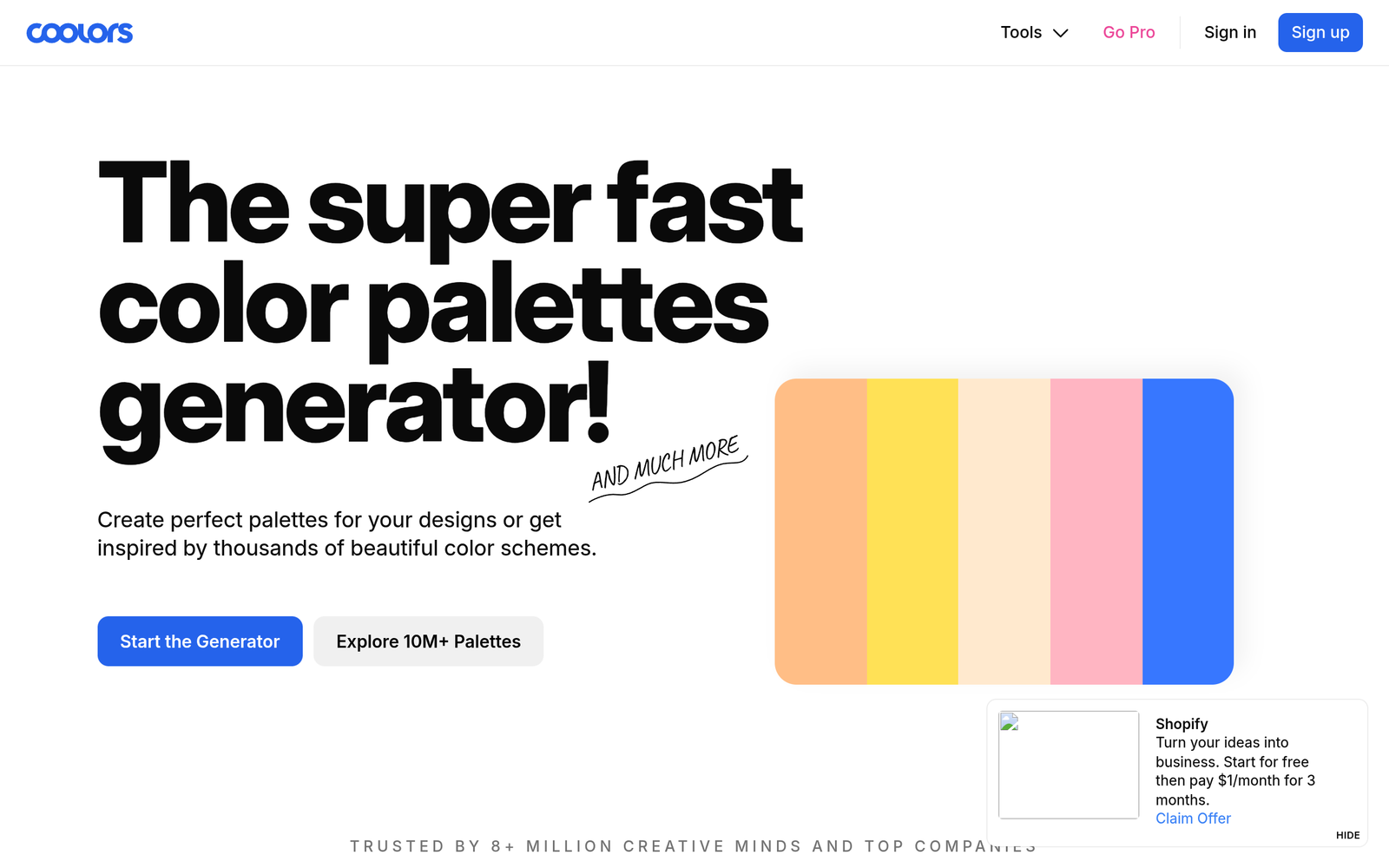
Coolors AI is an AI-powered color tool that generates palettes and explores schemes using AI-assisted suggestions and a vast color database. This approach solves the problem of time-consuming color exploration and inconsistent branding, helping designers, brand teams, and developers find harmonious palettes quickly.

Description

1. AI-Palette Generation

  • Automatically creates color palettes based on your input prompts, branding, and mood.
  • Generates multiple palette options with variations in hue, saturation, and brightness.

2. Scheme Explorer

  • Shows relationships between primary, secondary, and accent tones.
  • Provides interactive tweaking with instant palette previews in UI elements.

3. Brand Fit & Accessibility

  • Offers branding constraints and contrast-friendly options to support accessibility.
  • Helps align palettes with logos, typography, and product themes.

4. Export Formats & Tool Integration

  • Exports color values in common formats and copies palettes for paste-ready use.
  • Integrates with design tools and workflow apps for seamless handoffs.

5. Live Preview & Theme Swaps

  • Applies palettes to sample interfaces in real time to visualize changes.
  • Allows quick toggling between light, dark, and branded themes.

6. Team Sharing & Admin Controls

  • Shares palettes with team members and controls access levels.
  • Maintains a shared color library to ensure brand consistency.

Reviews

There are no reviews yet.

Be the first to review “Coolors AI – ai color palette generator & scheme explorer”

Pricing & Plans Of Coolors AI

Pricing is Freemium with several paid tiers.

  • Free: Free – Basic AI color palette generation with limited exports.
  • Starter: $5/mo – Access to extended palettes, more exports, and AI suggestions.
  • Pro: $20/mo – Full feature set including advanced palette exploration, team sharing, and priority support.
  • Team: Contact for pricing – Scales for teams with admin controls, shared libraries, and enterprise features.

Pro's

  • Generates cohesive color palettes quickly with AI assistance tailored to your branding.
  • Offers multiple palette options and variations for quick decisions.
  • Exports palettes in common formats and integrates with design tools.
  • Popular choice among designers, helping standardize color language across projects.
  • Clear visual previews that support fast iterations.

Con's

  • AI palettes may require manual refinement for unique brand voice.
  • Free tier has export and feature limitations.
  • Some advanced team features require higher-tier plans.

Popular Use Cases of Coolors AI

  • Design a brand color system for a new product and iterate on variants.
  • Create a dark mode UI palette and test contrast across screens.
  • Prototype marketing materials with consistent color language for a campaign.
  • Prepare palettes for a design sprint with stakeholder feedback.

Alternatives of Coolors AI

Tool Best For How It Compares
Adobe Color Broad color wheel and harmony rules Strong integration with Adobe ecosystem, less AI-driven exploration
Colormind AI-generated palettes from images and data AI-focused palettes with different training data
Paletton Color scheme design basics Manual control over values, more traditional approach

Feedback

Representative user feedback:
“Quick, reliable palettes save time during design sprints and branding work.”

Representative user feedback:
“AI suggestions speed up exploration, though some palettes need fine-tuning for brand nuance.”

FAQs related to Coolors AI

  1. Is Coolors AI free to use?
    There is a free tier with limited features and exports; paid plans unlock more palettes and controls.
  2. Can I export palettes for design tools?
    Yes, you can export palettes and copy color codes for use in design apps.
  3. Does it support accessibility checks or color contrast?
    It provides color suggestions, but you should verify accessibility with your own guidelines.
  4. How does AI palette generation work?
    The tool uses AI to propose palettes based on your inputs and brand constraints.

Start crafting cohesive color palettes today

Try Coolors AI now to generate ready-to-use color palettes and scheme options in minutes. See how AI suggestions align with your brand and export palettes for your design workflow.

Related Tools