Playground AI – AI image editing canvas

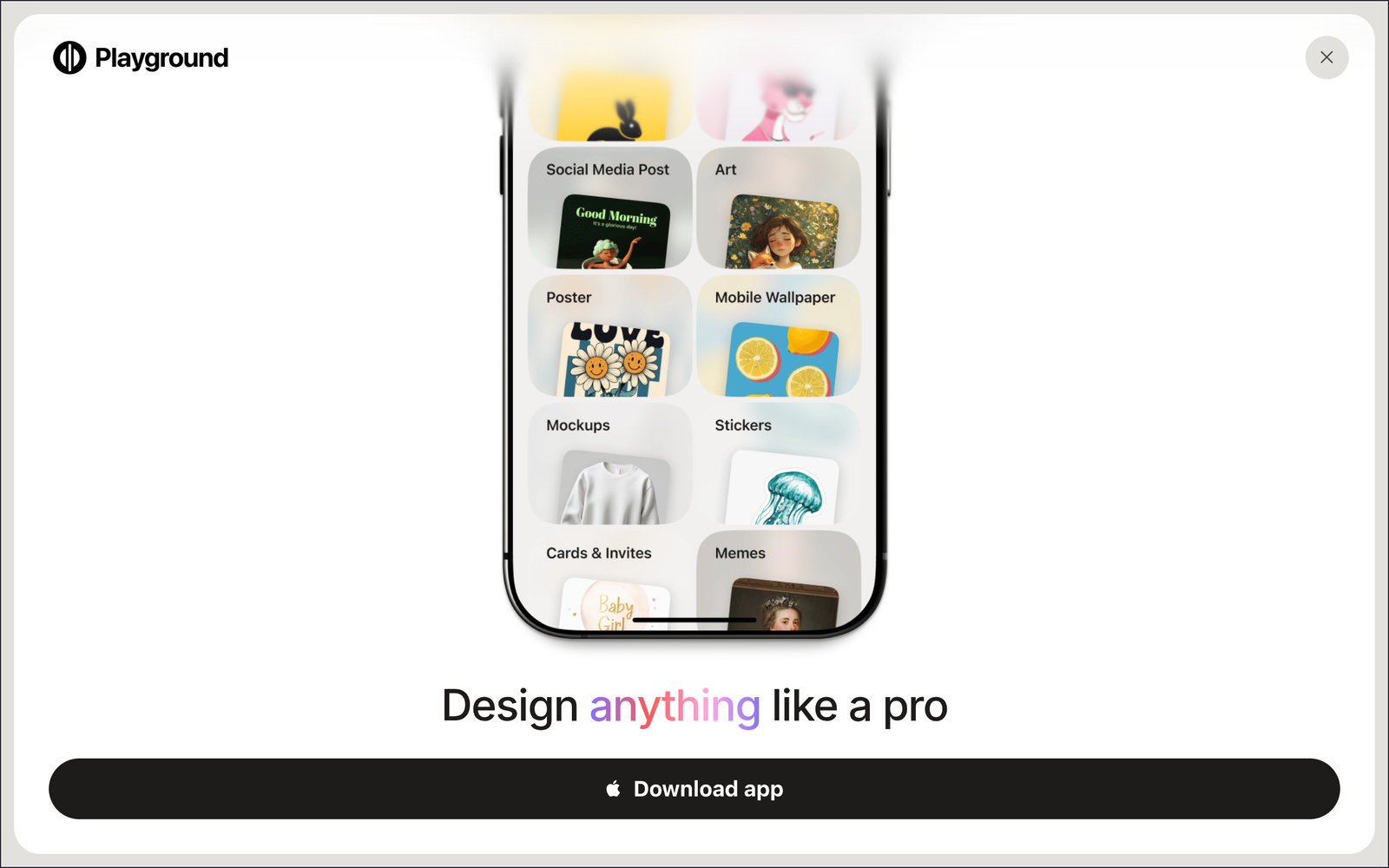
AI image editing canvas lets designers generate and edit graphics directly on a single workspace. Playground AI brings multiple AI models into one canvas to speed up design iterations for teams and creators.

Category
For AI image + graphic design generation canvas

Quick Facts - About Playground AI

Category Graphic Design & Editing
Pricing Freemium
Platform Web-based
Main Features Canvas-based AI editing; Multiple AI models; Prompt-to-design; Layered AI edits; Aspect ratio resizing; Pro tools
Best For Graphic designers and creatives needing fast AI-assisted visuals
Language Support English (primarily)
Integrations In-app AI models; No external integrations
Deployment Web app (cloud-based)

What is Playground AI ?

Playground AI is an AI-powered design and editing canvas that lets you generate and edit graphics using multiple AI models directly on a single canvas. You work inside a visual workspace where prompts, layers, and model choices influence your design in real time. The second paragraph explains the main problem it solves and who benefits most.

Description

1. Canvas-based AI editing

  • Edit and generate assets directly on the canvas, preserving layout and composition.
  • Changes apply in context to other layers and design elements.

2. Multi-model access

  • Switch between AI models inside the same canvas to explore different styles.
  • Consistency across edits helps you compare outputs quickly.

3. Prompt-to-design generation

  • Create visuals from prompts directly on your canvas to jumpstart ideas.
  • Refine results by editing prompts and adjusting layers.

4. Pro features for quality

  • Background removal and upscaling are Pro-only features improving final images.
  • These tools integrate into your existing canvas project without exporting.

5. Aspect ratio resizing

  • Resize to common aspect ratios without losing composition.
  • AI helps maintain balance across sizes for quick mockups.

6. Export and reuse

  • Export images in common formats while preserving export-ready quality.
  • Assets can be reused in other designs or shared with teammates.
Reviews

There are no reviews yet.

Be the first to review “Playground AI – AI image editing canvas”

Pricing & Plans Of Playground AI

Pricing starts with a Freemium model and paid Pro and Turbo options.

  • Free: Free – Access to basic features with limited quotas.
  • Starter: Contact for pricing – Increased quotas and more model access.
  • Pro: $15/mo – Full access to premium models and higher quotas.
  • Turbo: $45/mo – Priority processing and maximum quotas for heavy use.

Pro's

  • Direct canvas editing with AI reduces back-and-forth between apps.
  • Access to multiple AI models inside one workspace.
  • Prompt-driven design accelerates iteration and ideation.
  • Pro tools like background removal and upscaling improve output quality.
  • Flexible resizing supports quick mockups for different formats.

Con's

  • Some advanced features are only available on Pro or higher plans.
  • Model quotas and availability can vary by plan and demand.
  • New users may need time to master the canvas-based workflow.

Popular Use Cases of Playground AI

  • A freelance designer creates a set of social media visuals by generating variations and editing on the same canvas.
  • A marketing team drafts a website hero image and tests multiple styles within one workspace.
  • A product designer adapts product imagery to several aspect ratios for web, social, and print.
  • A brand designer exports assets for web and print directly from a single project.

Alternatives of Playground AI

Tool Best For How It Compares
Leonardo AI In-depth AI image editing with canvas-like flows Strong model variety but different UI and workflow than Playground
Canva Pro Branding templates and team collaboration More templates and collaboration features; AI features still evolving
Fotor AI Quick edits with AI enhancements Simpler workflow; fewer advanced canvas tools

Feedback

Representative user feedback:
“I can edit designs on a single canvas with multiple AI models easily.”

Representative user feedback:
“Prompts flow naturally on the canvas, speeding up design iterations for clients.”

FAQs related to Playground AI

  1. What is Playground AI canvas editing?
    It is a canvas-based design tool that lets you generate and edit images with multiple AI models in one workspace.
  2. What plans are available and how much do they cost?
    There is a Freemium option with paid Pro and Turbo tiers; exact pricing varies by plan.
  3. Can I switch AI models during editing?
    Yes, you can switch models on the canvas to apply different styles to elements.
  4. What export formats are available?
    Exports are available in common image formats; some features may require Pro.

Start Creating on Canvas Today

Open Playground AI now and begin turning ideas into visuals on a shared AI canvas. Youll generate, edit, and iterate with multiple models without leaving the workspace.

Related Tools