Remove.bg – Background removal tool for images

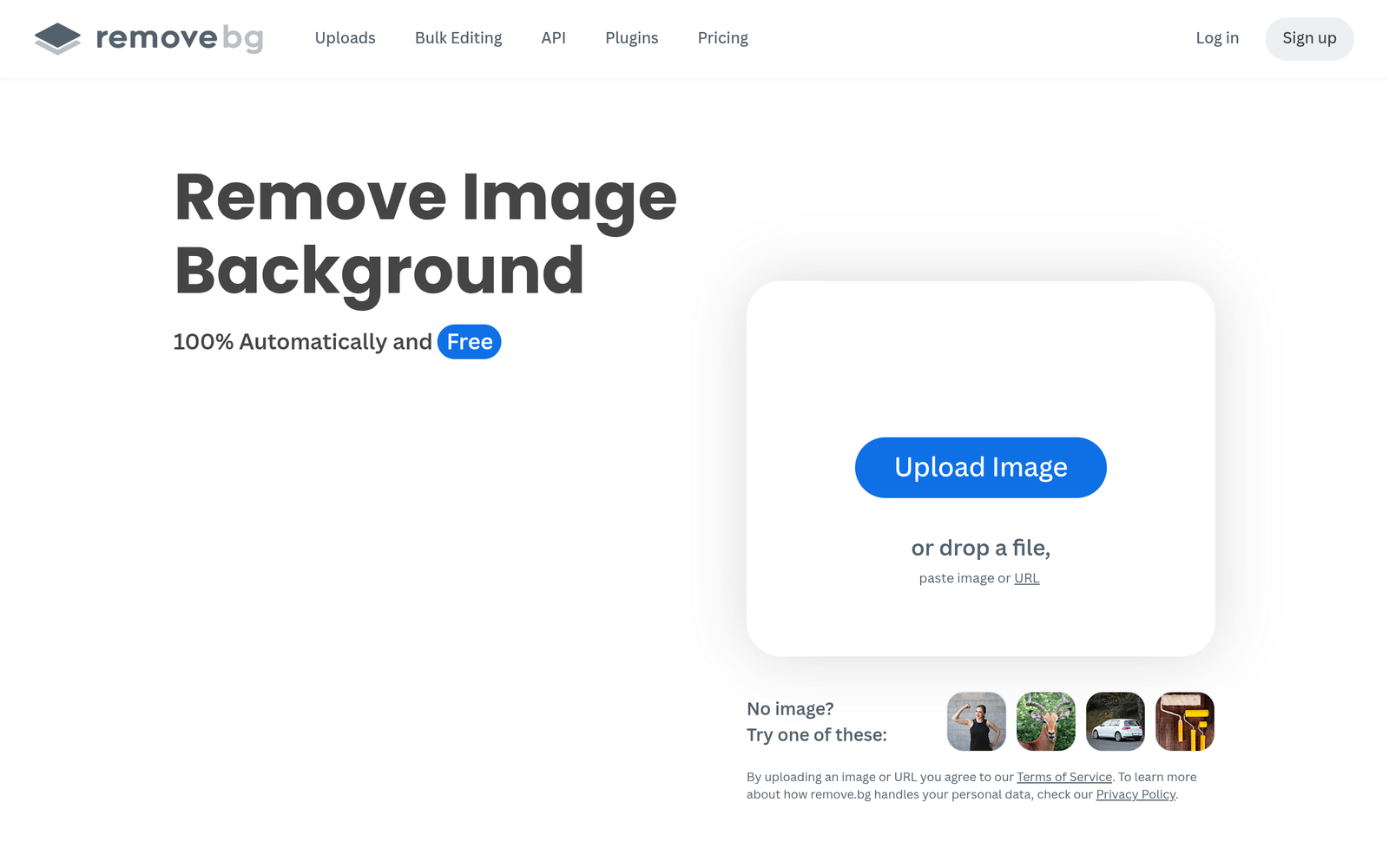
background removal tool speeds up image prep for ecommerce and marketing. Remove.bg uses AI to detect subjects and remove backgrounds, delivering clean cutouts for product photos and portraits.

Category
For AI background removal specialist

Quick Facts - About Remove.bg

Category Graphic Design & Editing
Pricing Freemium (Free trials available)
Platform Web and API
Main Features 5-second background removal; API access; supports PNG/JPG; batch processing; transparent PNG output
Best For E-commerce teams, designers, photographers
Language Support English UI; API docs in multiple languages
Integrations API access and design workflow integrations
Deployment Cloud-based SaaS

What is Remove.bg ?

Remove.bg is an AI-powered background removal service that uses advanced image segmentation to isolate subjects and cut out backgrounds in seconds.
It saves time and money by automating a task that used to take hours, helping teams deliver ready-to-use visuals faster.

Description

1. 5-Second Background Removal

  • AI detects the subject and removes the background in about 5 seconds per image.
  • Fast processing helps teams move quickly on product shots and portraits.

2. API Access for Automation

  • Integrate background removal into your workflow with a REST API.
  • Supports batch requests and scalable processing for apps and services.

3. Multiple Output Options

  • Transparent PNG, new backdrops, or solid backgrounds for different uses.
  • Keeps edges clean for ecommerce catalogs and marketing materials.

4. Formats and Quality

  • Supports JPG and PNG formats with high resolution output.
  • Maintains subject detail suitable for web and print.

5. Web Editor and Quick Edits

  • In-browser refinements with easy controls for edge touch-ups.
  • No software installation required for small teams.

6. Freemium Access and Trials

  • Free trials available to test features before subscribing.
  • Paid plans offer higher quotas and API access.

Reviews

There are no reviews yet.

Be the first to review “Remove.bg – Background removal tool for images”

Pricing & Plans Of Remove.bg

Pricing is based on usage with a freemium core.

  • Free: $0 – Limited testing credits to try the service.
  • Starter: $9/mo – Standard background removal with higher quotas.
  • Pro: Contact for pricing – Higher volume and API-heavy usage.
  • Business: Contact for pricing – Large teams with scalable quotas.
  • Enterprise: Contact for pricing – Custom terms and integrations.
  • Team: Contact for pricing – Collaboration features for small teams.

Pro's

  • Fast, 5-second background removal on many images.
  • API access enables automation in CMS, ecommerce, and photo workflows.
  • Batch processing supports large image sets efficiently.
  • Keeps subject edges clean with clear cutouts for product images.
  • Freemium access lets you test before paying.

Con's

  • Not every image yields perfect cutouts; some edges may need manual tweaks.
  • Internet connection is required; offline workflow is limited.

Popular Use Cases of Remove.bg

  • Isolating products for Amazon listing photos to improve on-page visuals.
  • Preparing model portraits with white backgrounds for corporate sites.
  • Generating marketing banners with branded backdrops for campaigns.
  • Batch processing seasonal product shots for catalogs and ads.

Alternatives of Remove.bg

Tool Best For How It Compares
Clipping Magic Detailed edge control More granular editing but slower batch processing compared to Remove.bg’s speed.
Canva Background Remover Integrated design ecosystem Great for quick edits within Canva projects but less API-focused than Remove.bg.
Pixlr Remove Background Simple online edits Good for quick one-off cuts; fewer high-volume features than Remove.bg.

Feedback

Representative user feedback:
“It cuts backgrounds quickly, saving hours in batch editing.”

Representative user feedback:
“API access makes automation easy, but some images still need tweaks.”

FAQs related to Remove.bg

  1. How does Remove.bg handle background removal?
    Remove.bg uses AI to detect foregrounds and remove backgrounds, delivering clean cutouts quickly.
  2. What image formats are supported?
    Supports JPG and PNG with high-resolution outputs for web and print.
  3. Is there an API for automation?
    Yes, Remove.bg offers an API to integrate background removal into your apps and workflows.
  4. What are the pricing options?
    There is a freemium tier with paid plans for higher volume and API access.

Start Cutting Out Backgrounds Today

Try Remove.bg now to quickly generate clean, ready-to-use images. Save time on editing and test different backdrops for catalogs, ads, and social posts.

Related Tools