Webflow AI – AI web design with no-code site generation

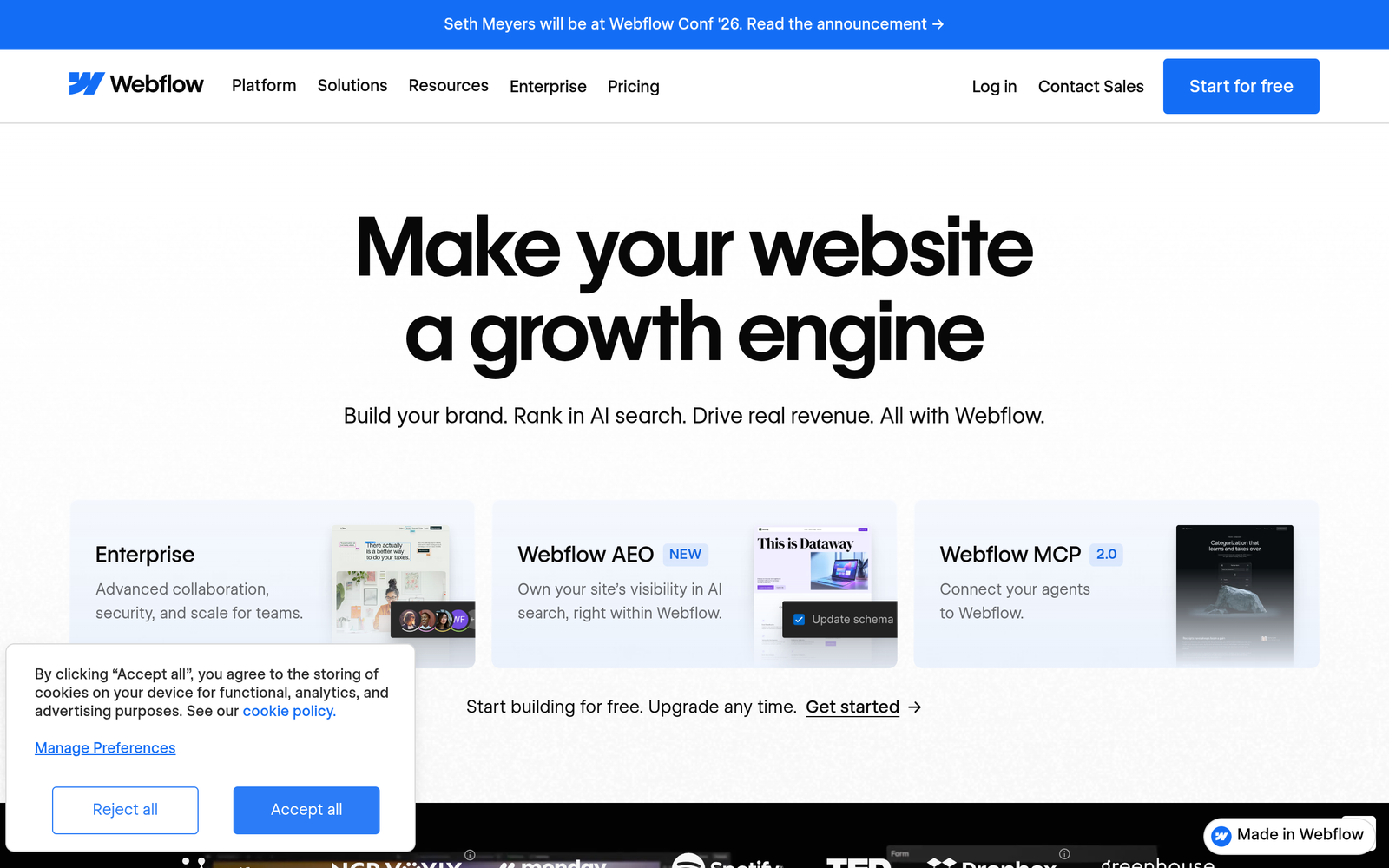
AI web design is at the core of Webflow AI, delivering AI-assisted no-code site creation for professionals. It helps designers build polished websites fast while giving control over branding and content.

Category
For AI-assisted professional no-code web design

Quick Facts - About Webflow AI

Category Web Design & Site Builders
Pricing Freemium
Platform Web
Main Features AI-generated layouts, Prompt-based site generation, Real-time editing, Responsive design, CMS blocks
Best For Designers, Agencies, Product teams
Language Support English UI
Integrations Webflow CMS, APIs
Deployment Cloud-based

What is Webflow AI ?

Webflow AI is an AI-powered no-code design tool that blends the reliability of Webflow with AI-generated layouts, components, and content suggestions, to support ai web design workflows. The main problem it solves is the slow, manual process of crafting professional pages — it helps designers, agencies, and product teams ship websites faster without sacrificing control.

Description

1. AI-generated layout and sections

  • Generate hero, navigation, and content blocks from prompts.
  • Preserves your brand with reusable styles and components.

2. Prompt-driven site generation

  • Describe goals and content, and Webflow AI builds pages accordingly.
  • Supports multi-page flows and semantic structure.

3. Real-time visual editing and style adjustments

  • Change typography, color, and spacing directly on the canvas.
  • See updates instantly without leaving the design view.

4. Responsive design baked in

  • Pages adapt to mobile and tablet breakpoints automatically.
  • Fine-tune breakpoints for exact control when needed.

5. CMS-driven content blocks for dynamic pages

  • Connect blocks to CMS content for scalable pages.
  • Update multiple pages by editing a single source of truth.

6. Design-to-publish workflow

  • Preview, publish, or export all within Webflow.
  • Includes versioning and rollback for safety.

Reviews

There are no reviews yet.

Be the first to review “Webflow AI – AI web design with no-code site generation”

Pricing & Plans Of Webflow AI

Pricing allows for multiple levels.

  • Free: Free – Limited access to core tools.
  • Starter: $18 /mo – Essential AI-assisted design features and CMS for small projects.
  • Pro: $36 /mo – Full feature set, CMS, and collaboration for growing teams.
  • Business: Contact for pricing – Scaled hosting, team roles, and priority support.
  • Enterprise: Contact for pricing – Custom SLAs and security for large orgs.
  • Team: Contact for pricing – Shared workspaces and admin controls for teams.

Pro's

  • Saves time by generating initial layouts and sections from prompts.
  • Maintains brand consistency with reusable styles and components.
  • Seamless integration with Webflow editor for pixel-level adjustments.
  • Built-in responsive design reduces mobile work.

Con's

  • AI-generated results may need manual polishing for exact branding.
  • Paid plans add up for teams needing full CMS and collaboration.

Popular Use Cases of Webflow AI

  • Produce a marketing landing page for a client in days instead of weeks.
  • Create a product launch microsite with AI-generated sections and content blocks.
  • Set up a CMS-driven blog template that auto-updates across pages.
  • Prototype a freelancer portfolio with consistent styling and interactions.

Alternatives of Webflow AI

Tool Best For How It Compares
Wix Fast site creation for marketing pages Wix is quick and marketer-focused; Webflow AI centers on professional design with AI assets.
Zyro AI-driven website generation Zyro emphasizes AI content and speed; Webflow AI leans on advanced design control.
Squarespace Brand-forward sites with strong visuals Squarespace offers polished templates; Webflow AI adds AI generation within a flexible editor.

Feedback

Representative user feedback:
“Saves time on layout ideas, but requires careful polishing for final design.”

Representative user feedback:
“Great for rapid prototypes, but CMS features may need more depth for complex sites.”

FAQs related to Webflow AI

  1. What is Webflow AI and how does it work?
    Webflow AI generates layouts and components from prompts and lets you refine them in the editor.
  2. Who should use Webflow AI?
    Freelancers, agencies, and product teams who want faster, scalable web design without coding.
  3. Can Webflow AI replace hand coding?
    It speeds up design workflows but still requires manual edits for pixel-perfect control.
  4. What plans include AI features?
    The platform uses a freemium model with paid tiers for advanced capabilities and CMS.

Start Building AI-Powered Web Sites Today

Begin with a simple prompt and watch AI generate layouts you can customize in minutes. You will refine visuals directly in the editor and publish with a few clicks, saving time on repetitive tasks.

Related Tools