Beautiful.ai – ai slide generator for auto-formatted presentations

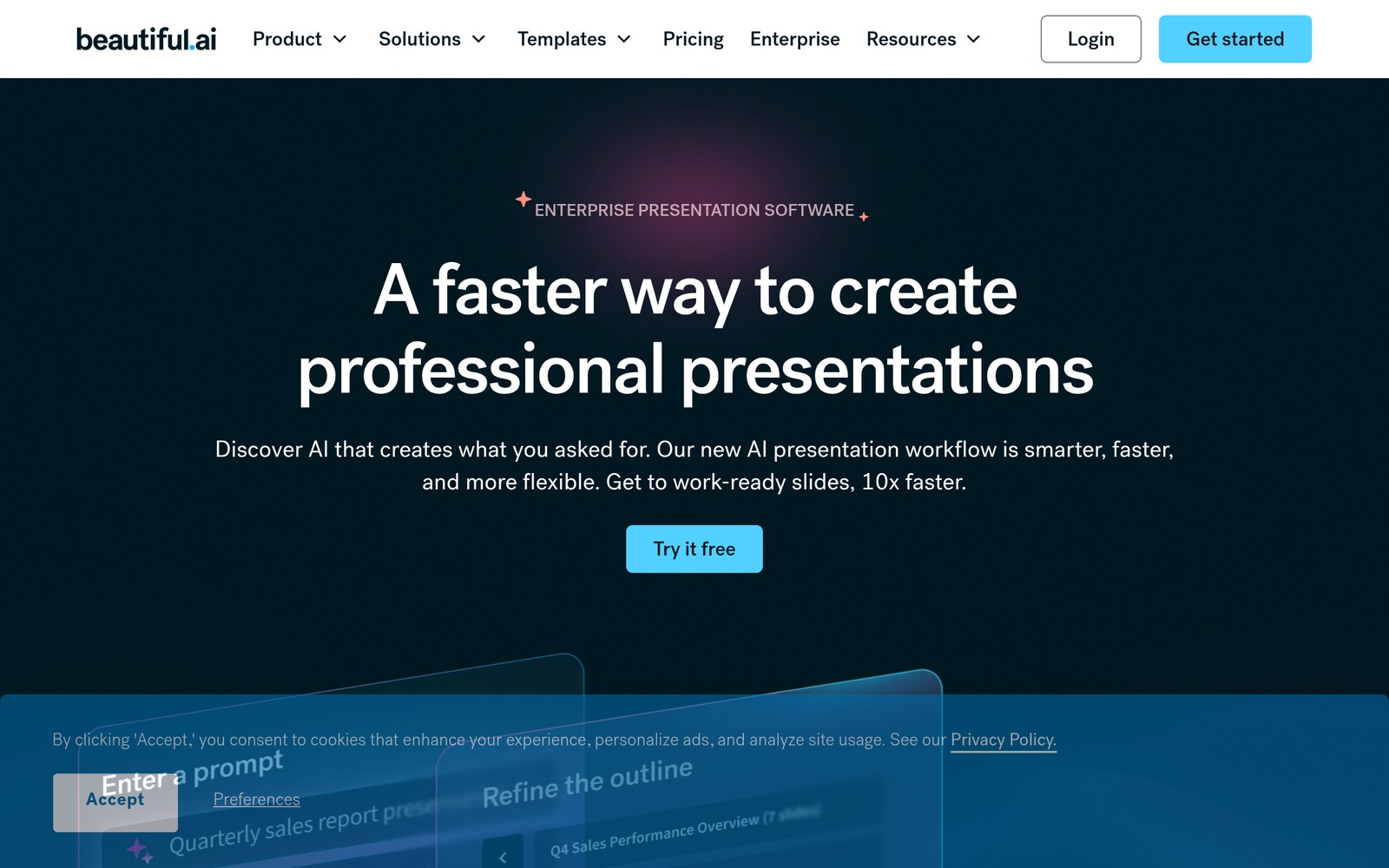
ai slide generator that turns notes into polished slide decks. Beautiful.ai automatically formats slides as you add content, helping educators, students, and teams present with confidence.

For AI-designed slide deck generator

Quick Facts - About Beautiful.ai

Category Presentation & Content Creation
Pricing Freemium
Platform Web
Main Features AI auto-formatting, design suggestions, templates, education templates, collaboration
Best For Educators, students, and teams needing polished slides fast
Language Support English UI; multilingual export options
Integrations Cloud storage and productivity tools
Deployment Cloud-based SaaS

What is Beautiful.ai ?

Beautiful.ai is an AI-powered slide generator that helps users design polished presentations by automatically formatting slides as content is added. The main problem it solves is inconsistent layouts and wasted time on manual formatting, benefiting educators, students, and teams who need to deliver clear decks fast.

Description

1. Auto-format as you add content

  • Slides adjust layout automatically to fit new text and media.
  • Maintains consistent margins and typography across the deck.

2. AI-powered design recommendations

  • Suggests visuals, colors, and typography aligned with content.
  • Helps non-designers create professional slides quickly.

3. Template library and smart layouts

  • Templates adapt to content length for consistent spacing.
  • Slides stay aligned with automatic grid rules.

4. Education-focused use cases

  • Built-in templates for lessons, assignments, and rubrics.
  • Supports teacher-student collaboration and feedback.

5. Team collaboration and commenting

  • Real-time co-editing with centralized feedback.
  • Tracks changes to keep decks up to date.

6. Integrations and export options

  • Exports to PPTX and PDF while preserving formatting.
  • Integrates with cloud storage and workflow tools.

Reviews

There are no reviews yet.

Be the first to review “Beautiful.ai – ai slide generator for auto-formatted presentations”

Pricing & Plans Of Beautiful.ai

Pricing starts with a Freemium model and scaled options for teams and individuals.

  • Free: Free – Basic features with limited templates and export options.
  • Starter: Contact for pricing – Entry-level access to essential tools.
  • Pro: $12/mo – Includes core features, more templates, and team collaboration.
  • Team: $40/mo – Advanced features for teams with centralized approvals and analytics.
  • Enterprise: Custom pricing – Tailored deployment with enterprise-grade security and support.

Pro's

  • Auto-formatting keeps slides consistent without manual tweaking.
  • AI design suggestions speed up slide creation.
  • Education templates tailor content for classrooms and assignments.
  • Real-time collaboration helps teams work together more efficiently.
  • Easy exports preserve formatting to PPTX and PDF.

Con's

  • Limited control over advanced custom layouts on some slides.
  • Some features require higher-tier plans.
  • Export fidelity may vary with complex media.

Popular Use Cases of Beautiful.ai

  • Instructor creates weekly lecture deck by pasting notes and letting slides auto-format.
  • Sales team builds a product pitch deck with templated slides and visuals.
  • Students assemble a group project presentation with co-editing and feedback rounds.
  • Researchers summarize findings in a concise, well-formatted slide set for seminars.

Alternatives of Beautiful.ai

Tool Best For How It Compares
Canva Visual templates and quick slide creation Drag-and-drop design with many templates, but less automatic slide formatting.
Microsoft PowerPoint Office-focused workflows and enterprise features Design Ideas helps with layout but doesn’t auto-format as you type like Beautiful.ai.
Prezi Storytelling with dynamic presentation flow Non-linear navigation, not focused on automatic slide formatting.

Feedback

Representative user feedback:
“Saves time on formatting, but sometimes feels limited for heavy custom designs.”

Representative user feedback:
“Great for educators and quick pitches, but exports can miss advanced typography details.”

FAQs related to Beautiful.ai

  1. What makes Beautiful.ai different from traditional slide software?
    Beautiful.ai automates slide formatting and provides AI-driven design ideas to speed up deck creation.
  2. Is Beautiful.ai suitable for education use?
    Yes, it offers templates and collaboration features tailored for classrooms and assignments.
  3. What export options are available?
    Exports include PPTX and PDF formats, with more options available on higher plans.
  4. What are the pricing options?
    There is a Freemium option with Pro, Team, and Enterprise plans; pricing varies by plan.

Start designing smarter slides today

Try Beautiful.ai now to see how quickly notes become polished slides. You will save time on formatting and deliver consistent, professional decks with minimal effort.

Related Tools