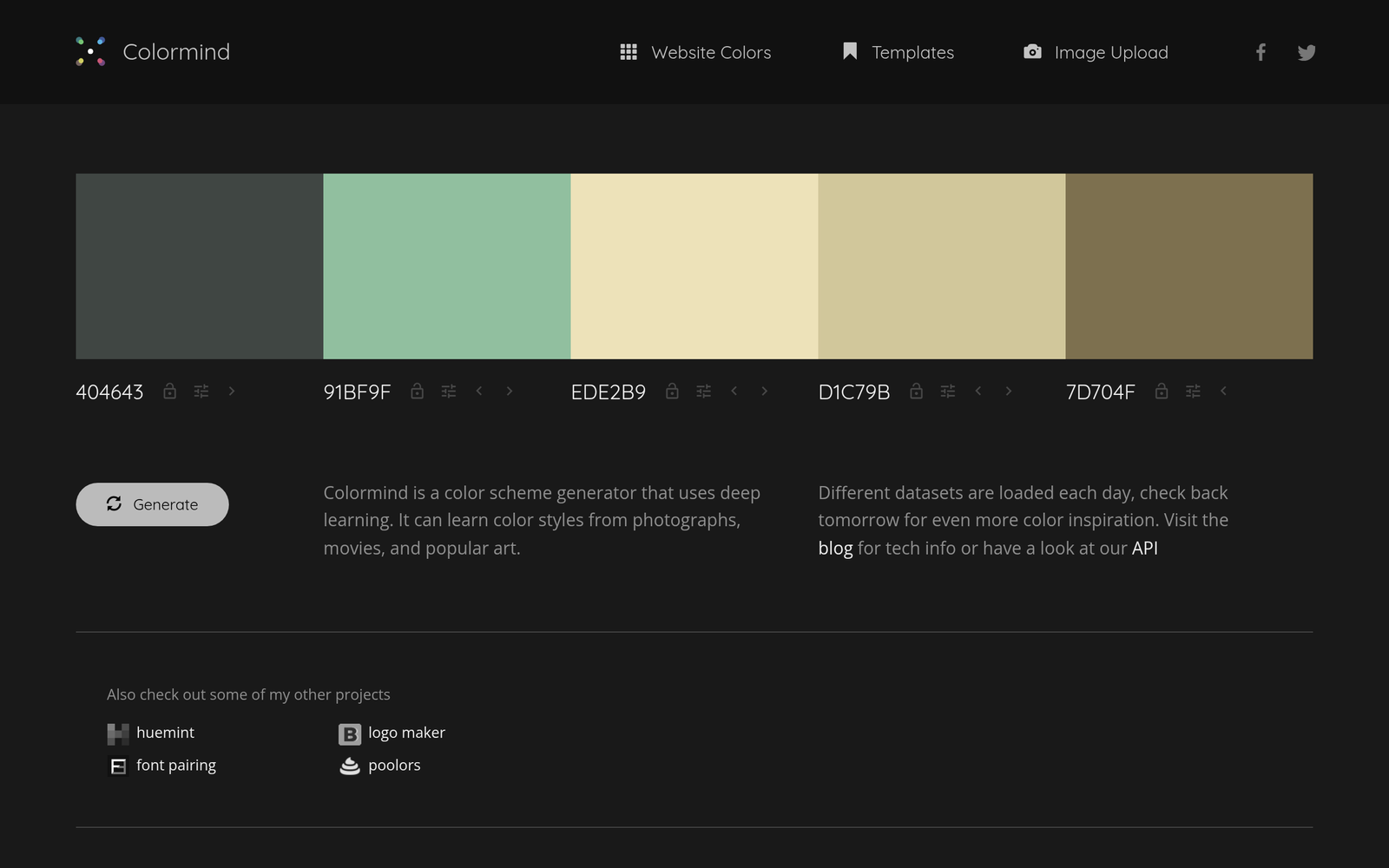
Colormind – AI color palette generator from images

ai color palette generator Colormind turns your images into ready-to-use color palettes for UI design. It helps designers and developers craft cohesive themes quickly by extracting harmonious colors from photos.

Category
For AI color palette generator from images

Quick Facts - About Colormind

Category Design Systems & Foundations
Pricing Freemium
Platform Web
Main Features Image-based palette extraction; deep-learning palette generation; palette variations; CSS export
Best For Designers and developers creating UI themes and branding
Language Support English
Integrations Design workflows and CSS pipelines
Deployment Web-based

What is Colormind ?

Colormind is an AI-powered color palette tool that analyzes images to extract cohesive color sets using a deep-learning model. The main problem it solves is helping teams create branding and UI themes that stay consistent across screens, without manual trial and error.

Description

1. Image-based Palette Extraction

  • Extracts dominant colors from uploaded images to form cohesive palettes.
  • Supports multiple palettes per image and adjustable palette size.

2. Deep-learning Palette Model

  • Uses a trained neural network to predict harmonious color combinations.
  • Adapts palettes for UI contexts with color theory rules.

3. Palette Variations and Blends

  • Generates lighter, darker, and complementary variants from a base palette.
  • Offers alternative palettes for branding or accessibility considerations.

4. Web-ready Outputs

  • Exports color codes as hex, RGB, and CSS variables.
  • Provides swatches ready for design tools and style sheets.

5. Accessibility Aware

  • Includes contrast-friendly palettes suitable for text on backgrounds.
  • Flags potential accessibility issues in generated schemes.

6. Free to Use with Optional Upgrades

  • Core features available at no cost; additional options via paid plans.
  • Simple; no mandatory signup for basic palette generation.

Reviews

There are no reviews yet.

Be the first to review “Colormind – AI color palette generator from images”

Pricing & Plans Of Colormind

Pricing is available on a freemium model with a free tier and paid upgrades.

  • Free: Free – Access to core palette generation features with image-to-palette extraction.
  • Starter: Contact for pricing – Expanded palette options and higher usage limits.
  • Pro: Contact for pricing – More exports and customization options.
  • Business: Contact for pricing – Team collaboration and priority support.
  • Enterprise: Contact for pricing – Custom SLAs and enterprise features.
  • Team: Contact for pricing – Shared workspaces and collaboration.

Pro's

  • Palette extraction from images saves design time.
  • Deep-learning model helps find harmonious color combos.
  • Web-ready outputs make it easy to implement palettes.
  • Free tier keeps basic tools accessible for teams.

Con's

  • Quality depends on input image quality and variety.
  • Limited advanced customization compared to manual color tools.
  • Web-based only without an offline desktop option.

Popular Use Cases of Colormind

  • A designer uploads a product photo to derive a palette for a landing page.
  • A branding team creates a color system for a new mobile app suite.
  • A frontend developer converts a chosen palette into CSS variables for a style sheet.
  • A marketing team tests accessibility-friendly palettes for web content.

Alternatives of Colormind

Tool Best For How It Compares
Coolors Quick palette exploration for UI and branding Colormind uses image-based extraction, while Coolors focuses on manual palette generation and randomness.
Adobe Color Brand color systems and theme exploration Colormind leverages AI to extract palettes from images, whereas Adobe Color emphasizes designer-driven schemes.
Paletton Color theory-driven palettes for web design Colormind provides image-derived palettes with deep-learning support, Paletton focuses on theory-based harmonies.

Feedback

Representative user feedback:
“Palette extraction from photos is helpful, but results vary with image quality.”

Representative user feedback:
“Would like more export formats and easier integration with design tools.”

FAQs related to Colormind

  1. What is Colormind and how does it work?
    Colormind uses a deep-learning model to extract palettes from images and generate color systems for UI design.
  2. Can Colormind export palettes in CSS formats?
    Yes, it exports color codes in hex, RGB, and CSS variable formats for easy integration.
  3. Is Colormind free to use?
    Yes, there is a free tier with optional paid plans for advanced features.
  4. Who should use Colormind?
    Designers and developers creating UI themes, branding, or visual assets.

Start crafting color palettes now

Grab color palettes from your images and apply them to your UI. See how image-derived harmony aligns with your brand today.

Related Tools