Craftwork – AI illustration tool for assets & UI kits

ai illustration tool Craftwork helps designers and teams speed up creating AI-generated visuals. It bundles curated illustration and UI kits with AI customization to accelerate concept-to-launch.

Category
For AI-assisted illustration & design asset kits

Quick Facts - About Craftwork

Category Icon & Illustration
Pricing Freemium
Platform Web
Main Features AI-assisted illustration, curated asset kits, UI kits, customization
Best For Design teams, freelancers, marketers
Language Support English
Integrations Exports to SVG/PNG, Figma import
Deployment Web app

What is Craftwork ?

Craftwork is an AI-powered platform that helps you generate illustrations and design assets from prompts, then customize them to fit your brand.

The main problem it solves is speeding up asset creation for designers, illustrators, and product teams who need consistent visuals and scalable kits.

Description

1. AI-Generated Illustration Packs

  • Generate illustrations from prompts with style controls.
  • Assets can be adjusted for mood and theme.

2. Curated UI Asset Kits

  • Ready-to-use icons and illustrations for dashboards and apps.
  • Brand-consistent visuals across screens.

3. Brand-Driven Style Customization

  • Adjust color palettes, stroke, and mood with sliders.
  • Presets align visuals with your branding.

4. Flexible Export & Licensing

  • Clear usage rights for generated assets.
  • Export SVG, PNG, and other formats for dev handoff.

5. Team Libraries & Collaboration

  • Shared asset libraries with access controls.
  • Version history and team comments.

6. Starter Icon & Illustration Kits

  • Pre-built icon sets and illustration packs for quick launches.
  • One-click setup to drop assets into projects.
Reviews

There are no reviews yet.

Be the first to review “Craftwork – AI illustration tool for assets & UI kits”

Pricing & Plans Of Craftwork

Craftwork offers a Freemium model with a Pro option.

  • Free: Free – Access to a limited asset library and basic AI customization.
  • Starter: Contact for pricing – More assets and features suitable for individuals exploring roles.
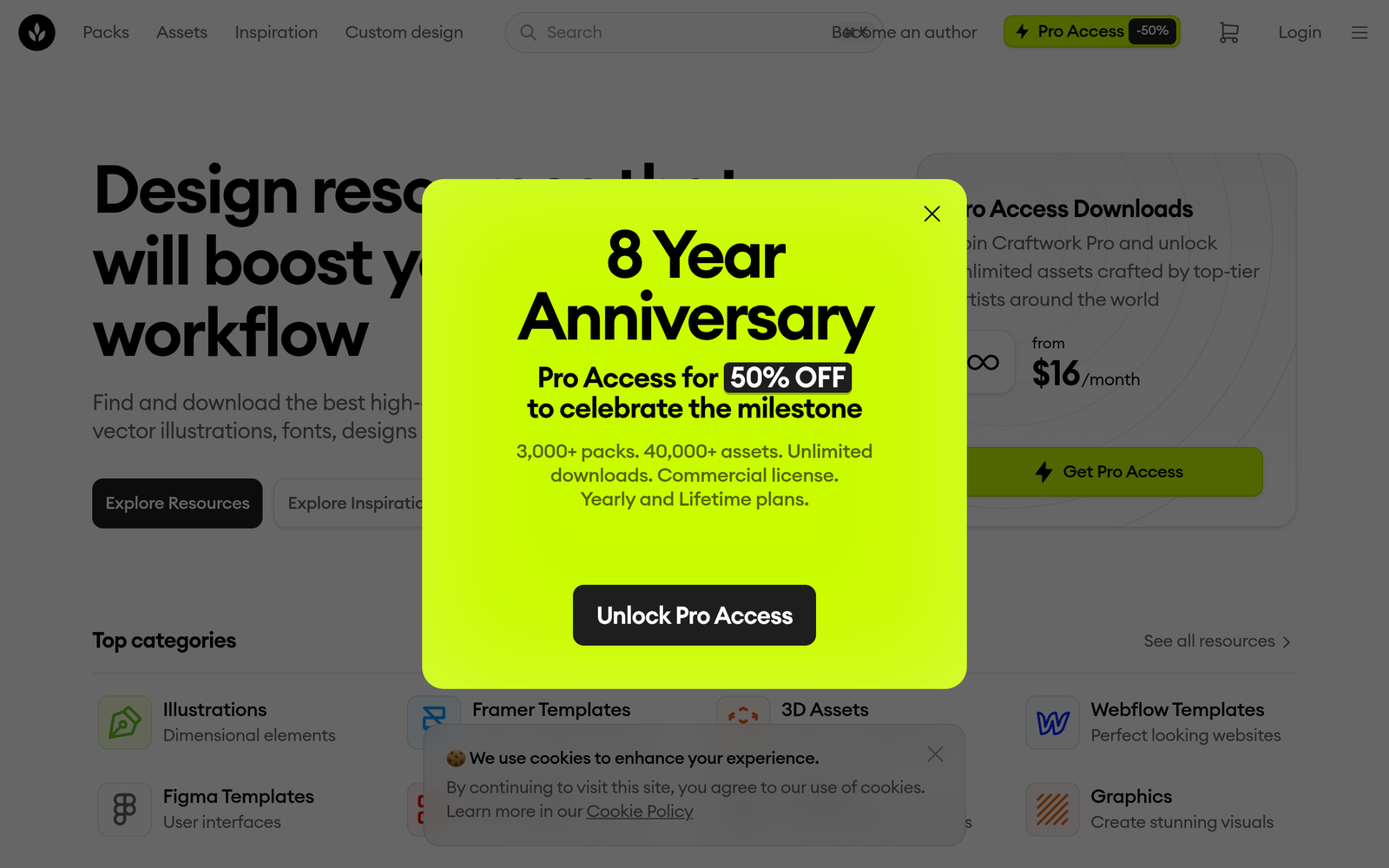
  • Pro: $16/mo – Full access to AI customization, all asset kits, and priority support.
  • Business: Contact for pricing – Team libraries and extended collaboration features.
  • Enterprise: Contact for pricing – Custom deployments and enterprise-grade security.
  • Team: Contact for pricing – Shared libraries and multi-user controls.

Pro's

  • Curated assets help maintain brand consistency across projects.
  • AI customization speeds up style matching and iteration.
  • Clear export options simplify handoffs to developers.
  • Team libraries enable collaborative design systems.

Con's

  • Free tier may limit access to assets and features.
  • AI outputs may require manual refinement for complex needs.
  • Some advanced options are locked behind the Pro plan.

Popular Use Cases of Craftwork

  • A product designer prototypes a mobile app using AI-generated icons and illustrations that match the brand.
  • A marketing team creates a cohesive multi-channel campaign with consistent visuals.
  • A freelance designer builds client-ready illustration assets for a project in days.
  • A design team ships a design system with shared icon and illustration kits for a new product.

Alternatives of Craftwork

Tool Best For How It Compares
Blush Curated illustration libraries for branding Blush offers editable illustrations; Craftwork adds AI-generated customization and UI kits.
Humaaans Diverse human illustrations for apps Humaaans provides static illustrations; Craftwork adds AI customization and ready-to-use asset kits.
Icons8 Icons and illustrations library Icons8 is broad; Craftwork focuses on AI-generated illustration assets and UI kits for product design.

Feedback

Representative user feedback:
“Curated assets speed up projects, but AI tweaks still need fine tuning.”

Representative user feedback:
“Requires thoughtful prompts to get cohesive visuals, yet saves hours in iteration.”

FAQs related to Craftwork

  1. What files can Craftwork export?
    Export options include SVG and PNG assets suitable for handoff to developers.
  2. Is there a free plan?
    Yes, a Free tier exists with limited assets and features; Pro unlocks full AI customization.
  3. Can generated assets be used commercially?
    Yes, generated assets can be used in commercial projects under the license terms.
  4. Does Craftwork integrate with design tools?
    Assets can be imported into common design tools; direct integrations are limited but exports are workflow-friendly.

Start building assets with AI today

Try Craftwork now to generate brand-aligned illustrations and UI kits in minutes. See how AI customization speeds up design sprints and handoff to development.

Related Tools