Pixlr – Browser-based AI photo editor and design suite

ai photo editor Pixlr runs entirely in your browser, letting you edit photos and design visuals without desktop software. Designed for designers and hobbyists, it delivers fast, easy editing and creative templates.

Category
For Browser-based AI photo editor & design suite

Quick Facts - About Pixlr

Category Graphic Design & Editing
Pricing Freemium
Platform Web
Main Features AI-assisted editing; Layered editing; Templates and assets; Rich filters and effects; Export options
Best For Designers, social media managers, and hobbyists needing browser-based editing
Language Support Multiple languages
Integrations Cloud storage and stock libraries
Deployment Web-based

What is Pixlr ?

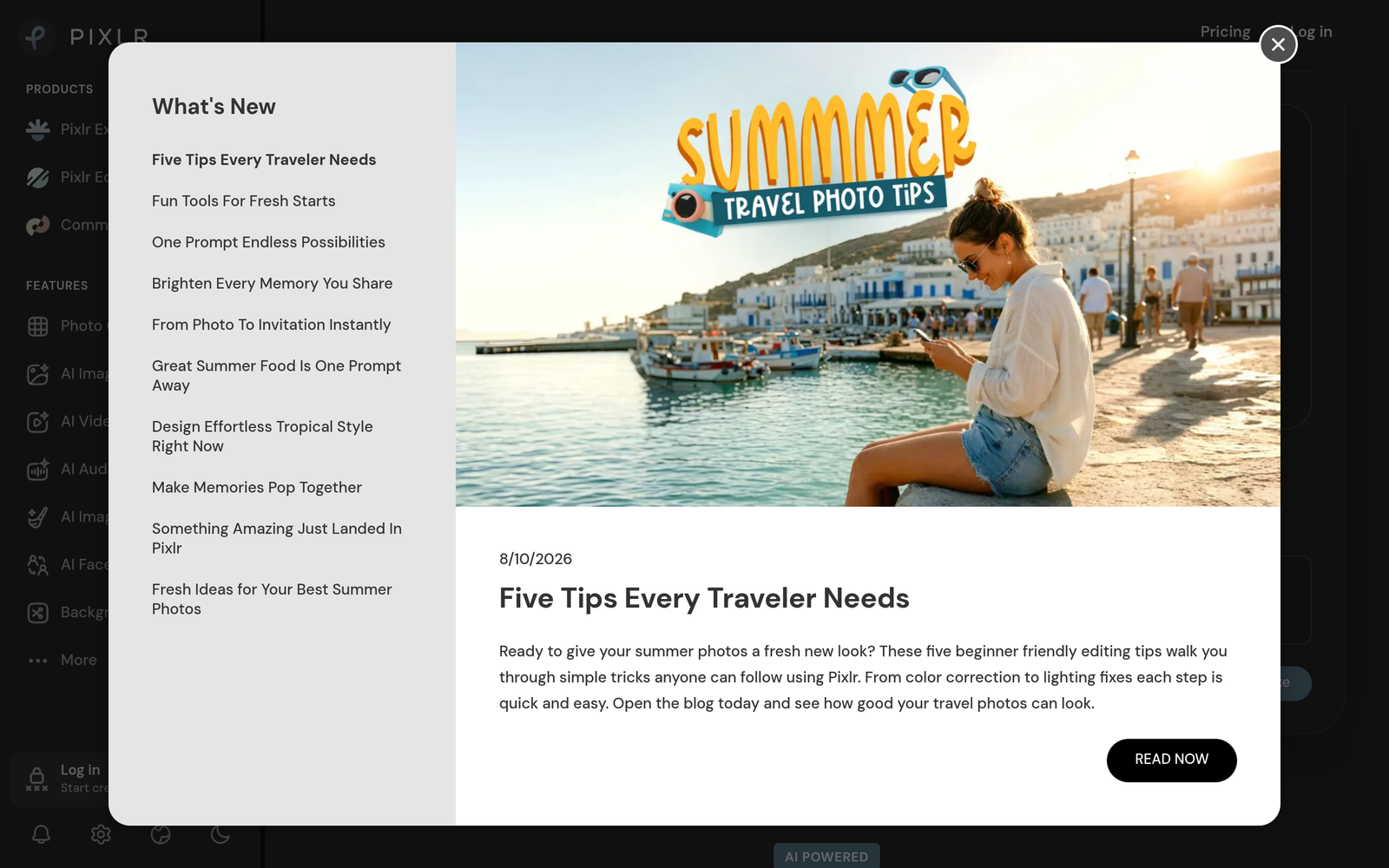
Pixlr is an AI-powered browser-based photo editor and design suite that brings Photoshop-like editing directly to your web browser. It uses AI-assisted features for tasks like auto-enhance, content-aware adjustments, filters, and templates, all within a familiar UI.

Pixlr solves the problem of needing powerful editing without installing heavy software, helping freelancers, social media managers, and small teams edit and create visuals quickly across devices.

Description

1. Browser-based editing

  • Edit images directly in the browser without installing software.
  • Runs in any modern browser with WebGL rendering for fast performance.

2. AI-assisted enhancements

  • Auto-enhance and smart adjustments save time on common edits.
  • AI suggestions adapt to your photo content for better results.

3. Layered editing and compositing

  • Work with multiple layers, masks, and blending modes for complex designs.
  • Non-destructive edits allow easy changes later.

4. Templates and assets library

  • Access ready-made templates for social posts, banners, and posters.
  • Includes stock assets and fonts to speed up projects.

5. Export options and formats

  • Export at common formats like JPG and PNG with adjustable quality.
  • Direct sharing and compatible sizes for web and print.

6. Cross-device accessibility

  • Use Pixlr on any device with an internet connection.
  • Automatic saves and cloud-based projects help you resume later.
Reviews

There are no reviews yet.

Be the first to review “Pixlr – Browser-based AI photo editor and design suite”

Pricing & Plans Of Pixlr

Pixlr offers a freemium model with both free access and paid upgrades.

  • Free: Free – Access to core editing features with basic templates.
  • Starter: $4.90/mo – Entry-level plan with more tools and export options.
  • Pro: Contact for pricing – Advanced editing features for professionals.
  • Business: Contact for pricing – Team-focused collaboration and assets.
  • Enterprise: Contact for pricing – Scales for larger projects and security.
  • Team: Contact for pricing – Shared workspaces and admin controls.

Pro's

  • Runs entirely in your browser, so you can edit from any device.
  • AI-powered enhancements speed up routine edits.
  • Large library of templates and assets speeds up design.
  • Layered editing supports complex compositions and flexibility.
  • No-downloads required with easy sharing and export options.

Con's

  • Browser-based tools may feel slower on older hardware or slow connections.
  • Some advanced features are behind paid plans.
  • UI quirks can vary across browsers.

Popular Use Cases of Pixlr

  • A social media manager creates a branded Instagram post using templates and AI enhancements to speed up delivery.
  • A freelance designer quickly edits client photos and exports optimized web-graphics.
  • A small business creates marketing banners for email campaigns.
  • A student edits photos for a school project and generates shareable graphics.

Alternatives of Pixlr

Tool Best For How It Compares
Canva Templates and social graphics Pixlr focuses more on photo editing in-browser; Canva leans toward templates and drag-and-drop design.
Photopea Advanced photo editing in-browser Photopea mirrors Photoshop-style editing; Pixlr emphasizes streamlined UI and AI features.
Fotor All-in-one editing and design Fotor offers quick edits and effects; Pixlr provides more AI-assisted editing and layering in-browser.

Feedback

Representative user feedback:
“Users want fast edits, good templates, and browser-based access for quick work.”

Representative user feedback:
“Mobile-friendly editing and lightweight tools are critical for on-the-go creators.”

FAQs related to Pixlr

  1. What is Pixlr?
    Pixlr is a browser-based image editor and design suite with AI-powered features for quick editing and graphic creation.
  2. Is Pixlr free to use?
    Pixlr uses a freemium model with a free tier and paid plans for advanced features.
  3. Can I use Pixlr on mobile?
    Yes, Pixlr runs in modern mobile browsers without needing to install software.
  4. What file formats does Pixlr export?
    Common formats like JPG and PNG are supported, with additional options depending on plan.

Start editing in your browser today

Launch Pixlr now and start editing directly in your browser without installing software. You gain AI-assisted edits, templates, and quick export options for social, web, and print projects.

Related Tools