ProtoPie AI – AI prototyping tool for UI/UX

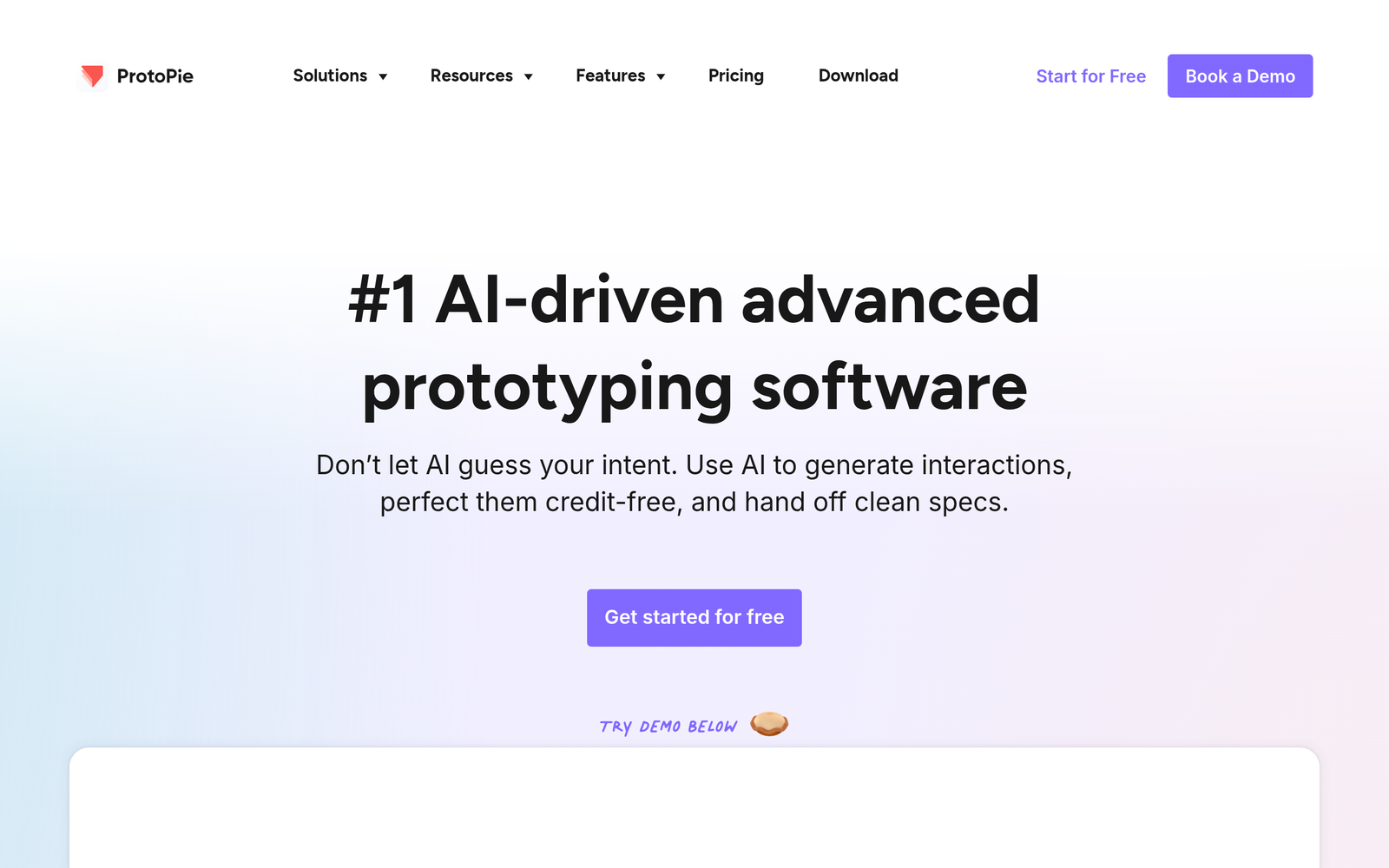
AI prototyping tool ProtoPie AI enables designers to craft AI-enhanced, high-fidelity interactive prototypes for UX testing and stakeholder reviews. It targets UI/UX teams who want code-free micro-interactions without sacrificing realism. The main benefit is faster validation of product ideas with accurate user flows.

Category
For AI-enhanced high-fidelity interactive prototyping

Quick Facts - About ProtoPie AI

Category UI/UX Design & Prototyping
Pricing Freemium
Platform Web
Main Features AI-enhanced prototyping, micro-interactions, no-code
Best For Design teams validating interactions
Language Support English
Integrations Design tools, sharing
Deployment Cloud

What is ProtoPie AI ?

ProtoPie AI is an AI-powered design and prototyping tool that blends AI capabilities with ProtoPie’s renowned interaction engine to create high-fidelity prototypes. It solves the problem of turning design concepts into working prototypes by letting teams experiment with interactions without writing code, benefiting product designers, researchers, and developers who need realistic prototypes quickly.

Description

1. Real-time AI-assisted micro-interactions

  • Generate smooth micro-interactions and transitions with AI suggestions.
  • Code-free prototyping workflow integrates with existing design tools.

2. High-fidelity interactive prototyping

  • Render close-to-final visuals for user testing and stakeholder reviews.
  • Supports advanced state changes and responsive layouts.

3. AI-driven animation library

  • Auto-suggests animation curves and timing to improve feel.
  • Includes reusable motion patterns for common UI interactions.

4. AI-assisted usability testing

  • Record user flows and extract insights to refine prototypes.
  • Integrates with feedback capture to track issues and pain points.

5. Collaboration and sharing

  • Invite teammates, annotate prototypes, and gather feedback in one place.
  • Versioning and history keep teams aligned across iterations.

6. Developer handoff and assets

  • Export assets and specs for smoother handoff to engineers.
  • Auto-generated interaction specs and CSS-ready details.

7. Integrations with design stacks

  • Connects with popular design tools for seamless workflows.
  • Supports import/export of common file formats.

Reviews

There are no reviews yet.

Be the first to review “ProtoPie AI – AI prototyping tool for UI/UX”

Pricing & Plans Of ProtoPie AI

Pricing starts with a Free tier and paid Pro and Team plans.

  • Free: Free – Access to basic AI prototyping features with limited runs.
  • Starter: Contact for pricing – Expanded feature set and faster iterations for small teams.
  • Pro: $27 / seat/mo – AI-enhanced high-fidelity prototyping with collaboration tools.
  • Team: $37 / seat/mo – Advanced collaboration for larger teams and multi-project work.

Pro's

  • Real-time AI suggestions speed up the design-to-prototype cycle.
  • Code-free micro-interactions let designers test complex flows without developers.
  • High-fidelity visuals improve stakeholder buy-in during reviews.
  • Integrated sharing and versioning keeps teams aligned across iterations.

Con's

  • Requires some learning to leverage AI-assisted features effectively.
  • Export formats may not cover every developer handoff need yet.

Popular Use Cases of ProtoPie AI

  • Prototype a mobile onboarding flow with AI-suggested micro-interactions and animations to validate user paths.
  • Build a responsive dashboard prototype and test with real users using AI-driven state changes.
  • Prepare a developer handoff pack with assets and interaction specs for engineers.
  • Share a high-fidelity prototype with stakeholders to collect structured feedback.

Alternatives of ProtoPie AI

Tool Best For How It Compares
Figma Collaborative UI design and prototyping Excellent collaboration, but AI-specific prototyping features are limited.
Framer High-fidelity, code-free interactions Strong motion and interactions, AI features are less emphasis.
UXPin End-to-end prototyping with logic Powerful for systems, AI support is limited.

Feedback

Representative user feedback:
“Users want faster AI-assisted prototyping with reliable micro-interactions.”

Representative user feedback:
“The tool speeds up testing but needs smoother export options.”

FAQs related to ProtoPie AI

  1. What is ProtoPie AI?
    ProtoPie AI is an AI-enhanced prototyping tool that allows high-fidelity interactions without code.
  2. Who should use ProtoPie AI?
    UI/UX designers, product teams, and researchers who validate interactions quickly.
  3. How does pricing work?
    It uses a freemium model with Pro and Team plans; free trials are available.
  4. What file formats are supported for handoff?
    Exports and handoff assets cover common formats used by developers and design systems.

Start building AI prototyping today

Try ProtoPie AI now to see how AI-powered micro-interactions elevate your prototypes. Start with the Free tier and upgrade to Pro or Team to unlock more interactions, faster iterations, and smoother handoffs.

Related Tools